
// Refurbished IT · Hardware & Procurement
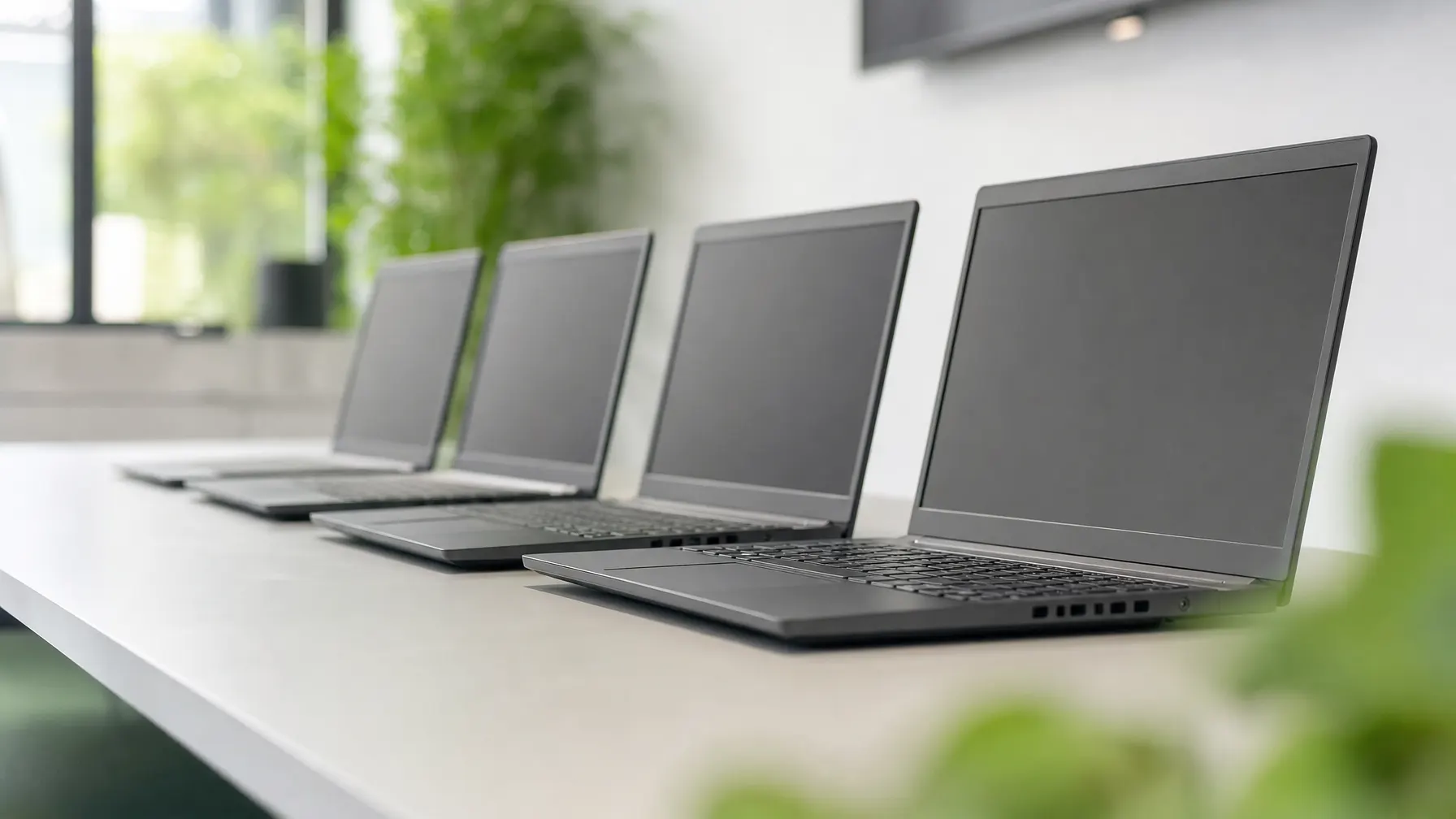
Refurbished IT for companies
Tested business equipment from second hand: cleaned, repaired and configured ready for work. For the desks where a new machine would not produce a better result.
// Context
Second hand is not the same as worn out
Most of the units we recondition come out of replacement cycles: a company swaps its laptops on schedule, not because they have failed, but because a period has expired. That equipment is designed for continuous service and has usually not finished its working life.
What a machine has really used up shows in the battery, the drive and the chassis, not in the year on the label. Those are the points we check, we swap what looks tired, and we put the condition in writing rather than summarising it with a word like “excellent”.
For you it comes down to a procurement question: where does a new machine bring a visible advantage, and where are you paying for the model year? We say plainly when we would go for new.
// Weighing it up
New machine or reconditioned?
Both have their place. The decision belongs at the individual desk, not to a principle.
When performance decides it
- Current processor generation for compute-heavy work
- Manufacturer warranty from the purchase date, with no history
- Free choice of specification and configuration
- Long spare-part availability starting from the purchase date
When specification beats model year
- A better specification within the same budget
- Available now rather than planned around a delivery date
- Tested, documented and handed over ready to work
- A machine stays in circulation instead of being built anew
// Reconditioning
What happens between take-back and delivery
Three stations every unit passes through before we offer it.

Measured, not guessed
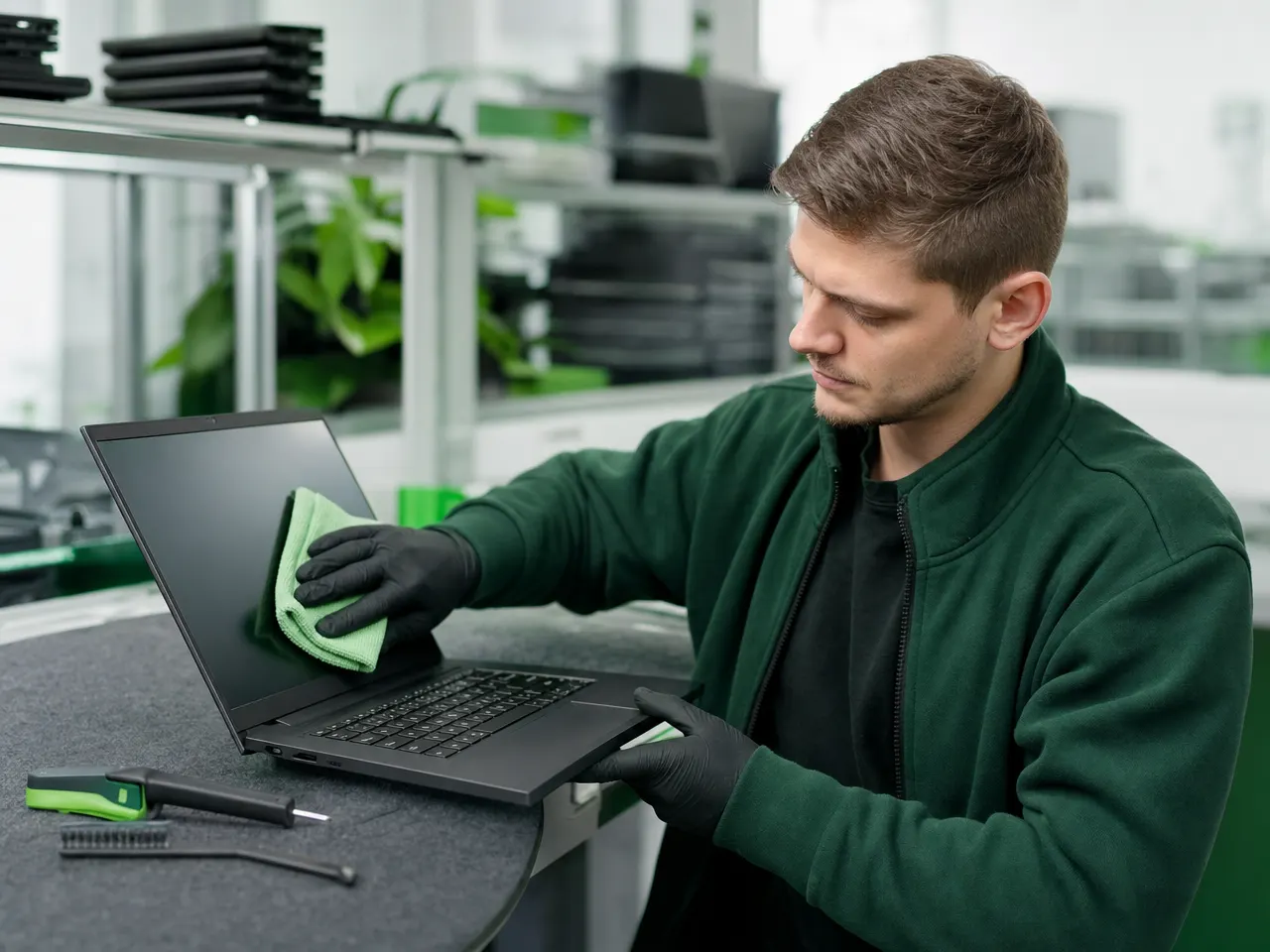
Battery health, drive wear, ports, display and keyboard are tested and recorded. Whatever fails is repaired or taken out of stock.
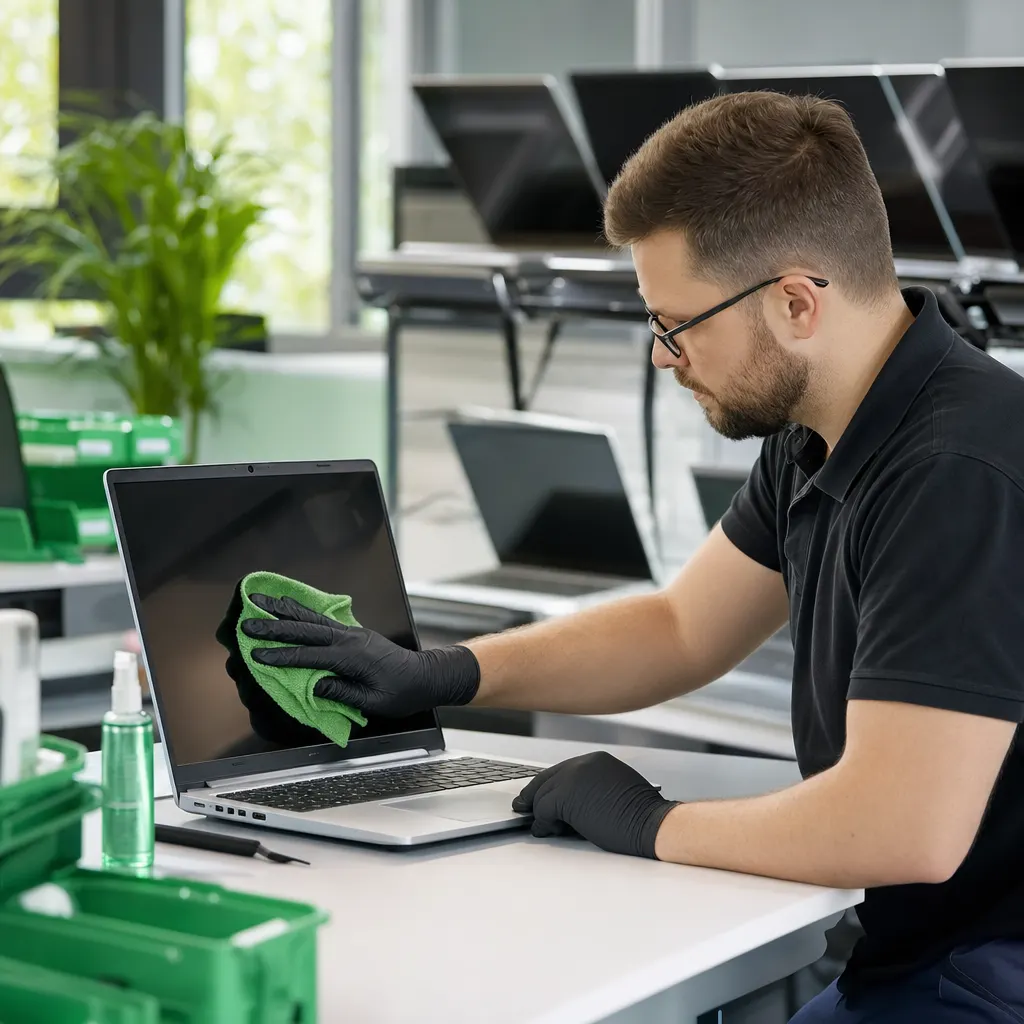
Replacing what wears
Batteries, keyboards and drives are swapped wherever needed. Then cleaning, current firmware and a freshly installed operating system.

Delivered ready to work
On request with your image, joined to the directory, encrypted and entered in the asset list — exactly as a newly bought machine would be.
// Suitability
Where reconditioned equipment pays off most
And where we will tell you to buy new from the outset.
-
Standard desks
Administration, sales, reception: where office applications and a browser do the work, processing power is rarely the limit.
-
Spare and loan units
Replacements for breakdowns, training rooms, interns and temporary staff. Here availability counts for more than the model year.
-
Monitors and accessories
Displays, docking stations and input devices barely age. Reconditioned, you often get a class more for the same money.
-
Extending what you have
When a server environment is only being extended, used equipment from the same range often fits better than a current model.
-
Not suitable
For design work, video editing or data analysis we recommend new machines. There the current generation brings an advantage that justifies the difference.

// Questions about refurbished
What companies settle before the first order
01 Is reconditioned equipment dependable in daily use?
Business machines are built for long service and rarely reach the end of their life after a few years in an office. What matters is the testing: we measure battery, drive and function before a unit moves on, and set aside anything that looks doubtful.
02 What warranty applies?
For every unit the quotation states which warranty we take on and what it covers. We deliberately name no blanket period here, because it depends on model and condition — the quotation is what binds us.
03 Could data from the previous owner still be present?
No. Every drive is wiped before reconditioning and the operation is logged against its serial number. Drives that cannot be wiped safely are destroyed and replaced — they never end up in a unit we sell.
04 How much cheaper is it than new equipment?
That depends on model, age and specification, so we quote no rule of thumb. The gap is usually wide enough that the same budget buys a better specification than an entry-level new machine would.
05 Can you supply several identical units?
As a rule yes. Reconditioned business equipment often comes out of the replacement cycle of a whole department, so identical models can be delivered in series. For unusual specifications it is better to ask first.
06 Can we mix reconditioned and new?
Yes, and it is frequently the most sensible answer. Compute-heavy desks get new machines while standard desks, spare units and monitors come reconditioned. We make that split together during procurement.
The cycle
All IT services
Tell us which desks are coming up.
We will propose a fit-out — reconditioned where it works, new where it is needed — and state the condition and availability of every unit.