

// Connect · working together
Unified communications and collaboration
Being reachable without anybody having to guess which route to take. We bring telephony, chat, video and shared storage onto one directory and one sign-in.
// Where it snags
The problem is rarely the tools, it is how many there are
In many companies each channel has a solution of its own: the phone system from the last refit, a video service somebody set up during the pandemic, a chat tool that came in through one department. Each of them works perfectly well on its own.
The effort appears in between. Colleagues maintain contacts twice, external partners get invitation links that keep changing, and in sales nobody is sure whether a call reaches the field rep or lands in a voicemail box that nobody listens to on Fridays.
So our approach does not start by picking a tool. It starts with the directory: a maintained list of everybody with their roles and how to reach them. Once that stands, the question of channels gets a great deal simpler.

// Channels
What shared communication is made of
Four areas that belong together — and are rarely planned together. In many environments this runs on Microsoft 365, because accounts and mailboxes already sit there.
Talking
Collaborating
// Places of work
The same reachability in three places
The aim is plain: nobody should have to think about which number applies today.

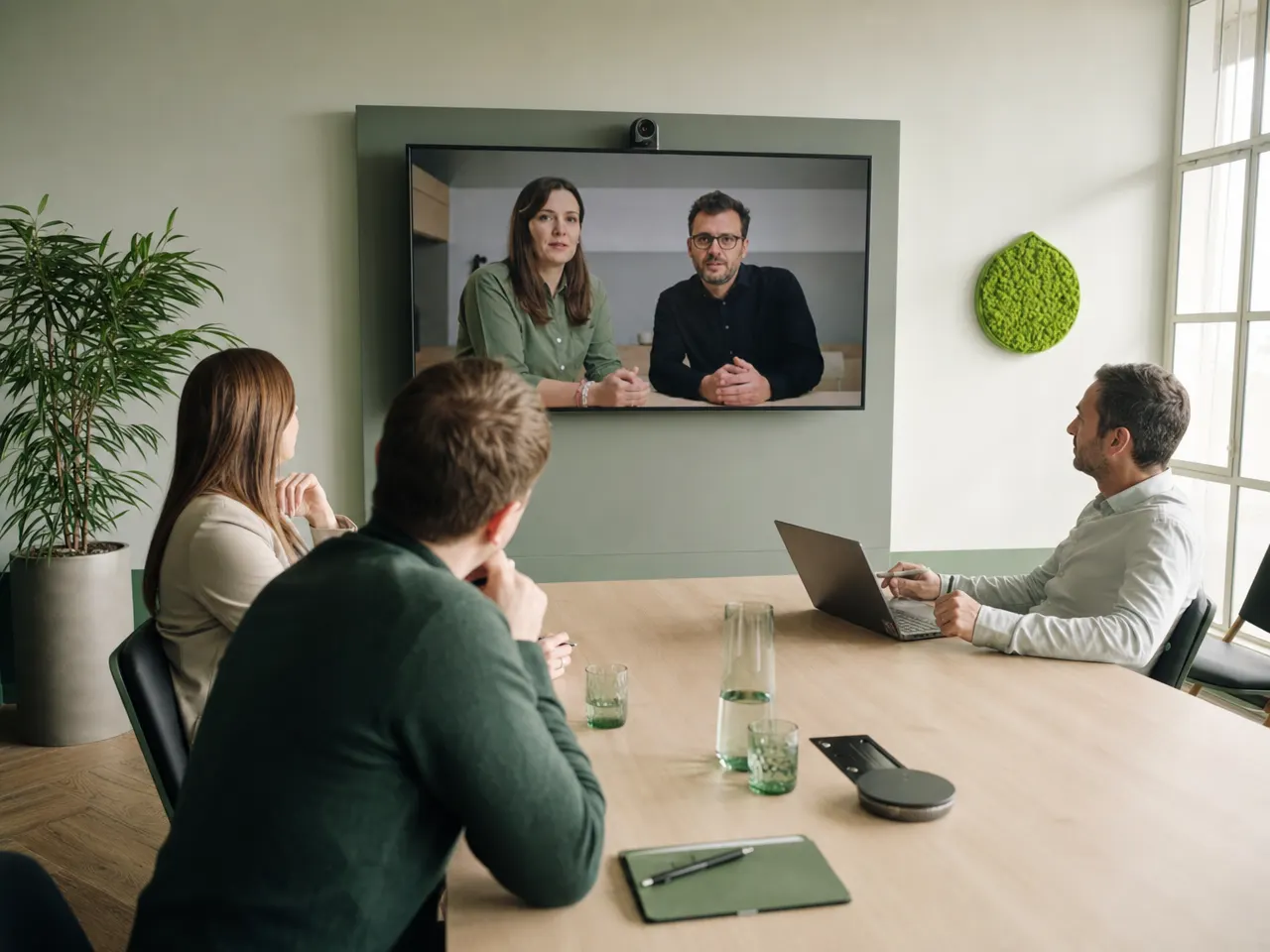
Office and meeting room
Rooms that all work the same way: one button to start, a familiar picture, and sound the other side can follow.

Working from home
The same extension, the same contacts, the same rules for cover and call forwarding as at the desk in the office.
Field service and site work
Calls reach the person, not the desk. Anyone who cannot answer while traveling is still visible to the team.
// Prerequisites
What has to be in place for it to hold
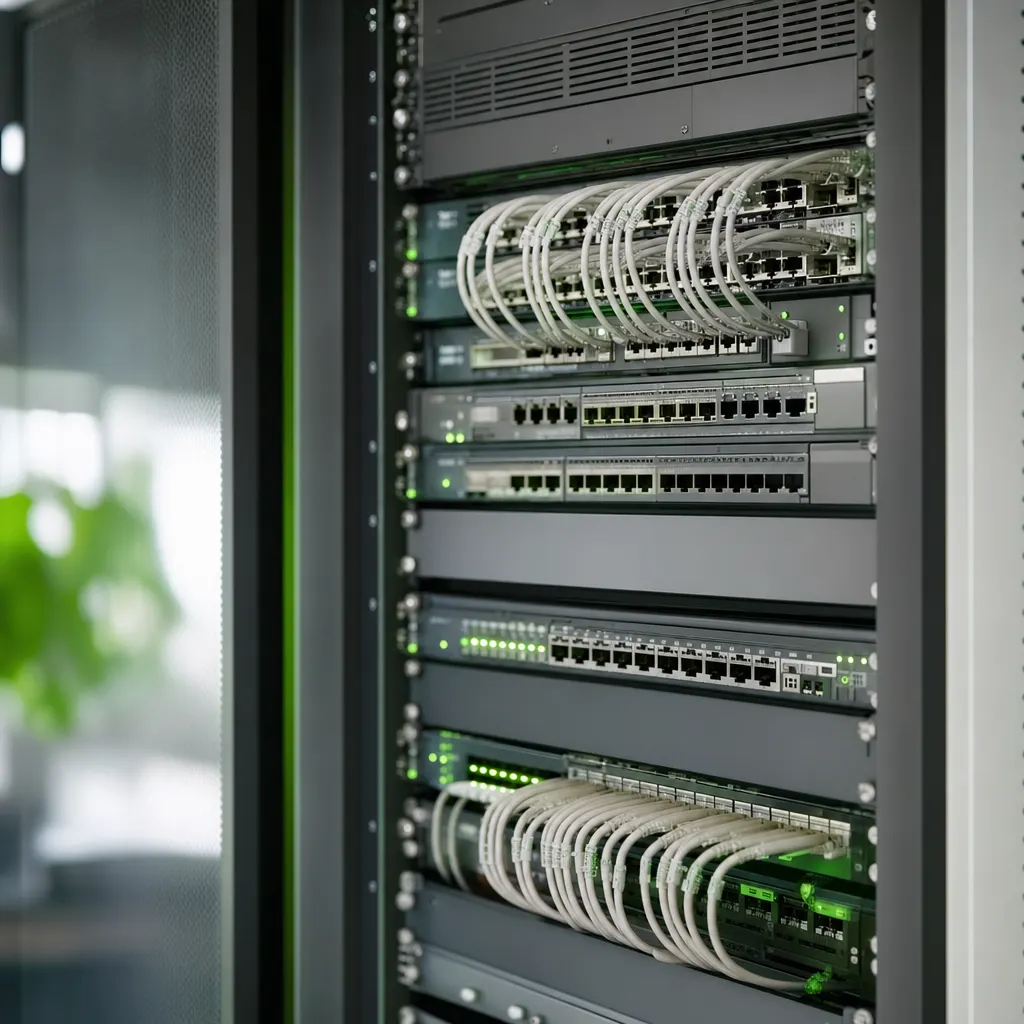
Communication puts more strain on network and cabling than most other applications do.
-
A line with headroom
Video and voice cope badly with fluctuation. We check the existing connection and establish whether a second route is needed.
-
A network that gives voice priority
So a large download does not chop up a call, voice traffic is prioritized in the network. That is configuration, not luck.
-
A maintained people directory
Without a clean list including roles and cover arrangements, any communication solution stays a slightly better address book.
-
Settled rules for recordings
Who may record, where it is stored, how long it stays. Better before the rollout than after the first complaint.

// Rollout
It is not rolled out on the switching day, it is rolled out when nobody asks any more
Technically a switch is usually done over a weekend. Whether it gets accepted is decided in the two weeks that follow — and by very practical questions out of everyday work.
How we workA manageable area switches over and collects the questions the manual does not answer.
Training runs on real tasks: transferring a customer call, inviting externals, setting cover.
In the first days a named contact is reachable directly, rather than everything going through tickets.
After a few weeks we tune whatever feels different in practice from how it was planned.
// Questions about unified communications
What companies settle before switching
01 What does unified communications mean in practice?
That calls, chat, video meetings and shared files no longer sit in separate programs with separate contact lists. You see in one place who is available, and you move from a chat into a call without hunting for a number.
02 Do we have to change everything at once?
No, and it is rarely sensible. It usually starts with one area — often telephony or the meeting rooms — and grows from there. What matters is that the directory of people is one directory from the beginning, not three.
03 Does it work the same way from home?
Yes. Whoever is reachable on an extension in the office is reachable at home or on the road too. It needs a good enough connection and a device that meets your company rules — we settle both beforehand rather than afterwards.
04 What about data protection in chat and video?
That belongs in the selection, not in the clean-up afterwards. We establish where conversation data and recordings are held, who has access and how long they are kept — and put it in writing so your data protection officer can review it.
05 What happens if the internet line goes down?
Then everything depends on the preparation. The usual answer is a second route for the most important numbers, for instance diverting them to mobiles. What applies in your case we agree in advance and try out once.
06 Do you handle the training as well?
Yes. In our experience the first week decides whether a change is accepted. We walk through the steps using real examples from your business and stay easy to reach during that time.
Related

Reachable, without detours.
Tell us how calls, chats and meetings work at your company today. We will say what can be brought together and in which order that makes sense.