
// Industries · Manufacturing & Industry
IT for manufacturing and industry
Machines are meant to keep running, office IT is meant to stay current. Both in one flat network rarely ends well. We separate them properly — and let traffic through exactly where it is needed.
// Two worlds
Two networks, one business — and a controlled door between them
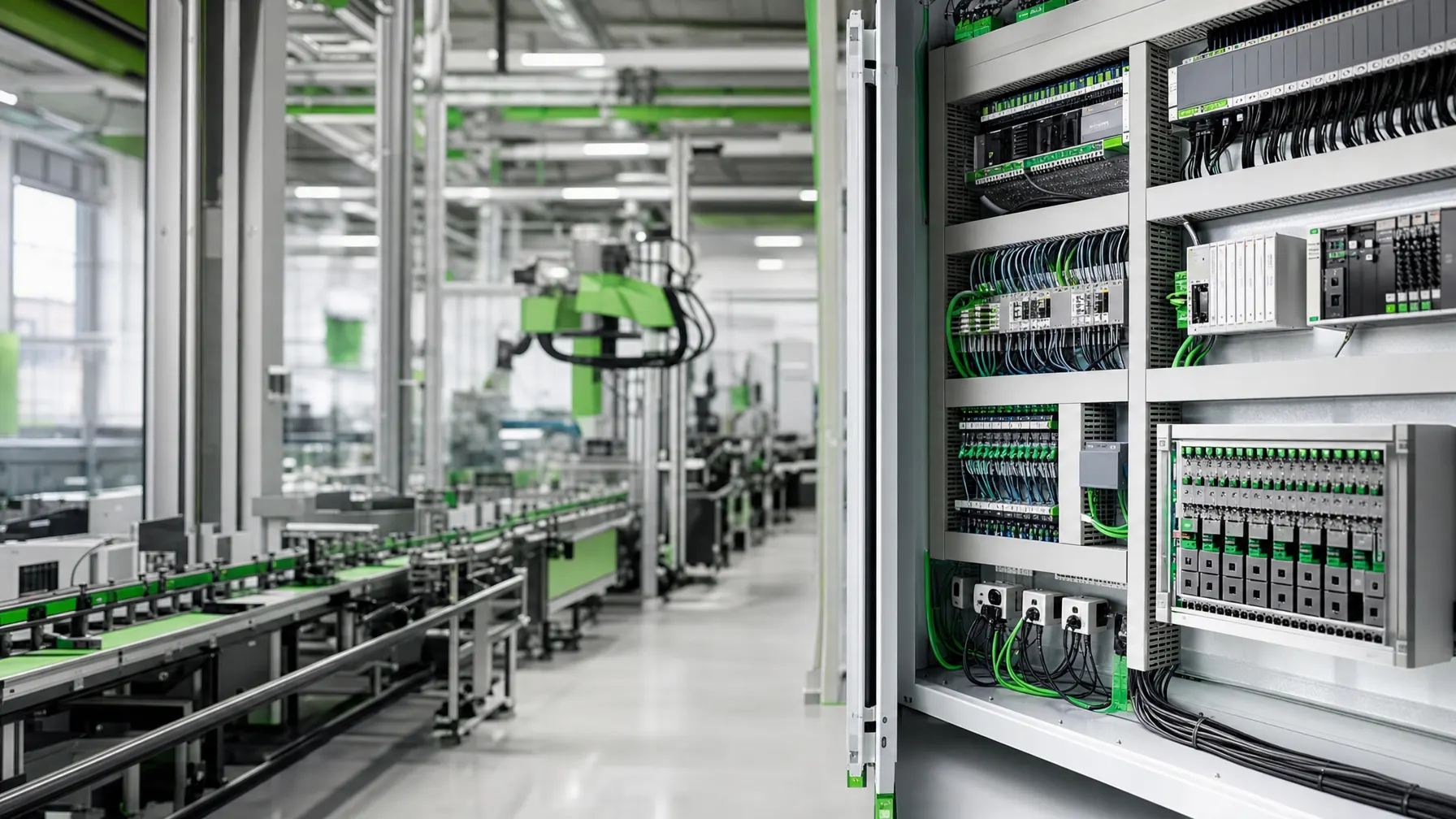
Manufacturing puts two worlds next to each other. On one side machines, controllers and sensors that are meant to run unchanged for years and cope badly with updates. On the other side office IT with mail, ERP and endpoints, which depends on exactly those updates.
Putting both into one flat network is convenient and risky: an infected office PC then reaches the machine controller. Separating them completely does not work either — order data, production reporting and remote maintenance all need a path.
So we build a controlled door rather than a wall: separate network areas with defined crossing points, a fixed direction of travel and logged access. What may pass is described in advance — and can be traced when somebody asks.
// Separation
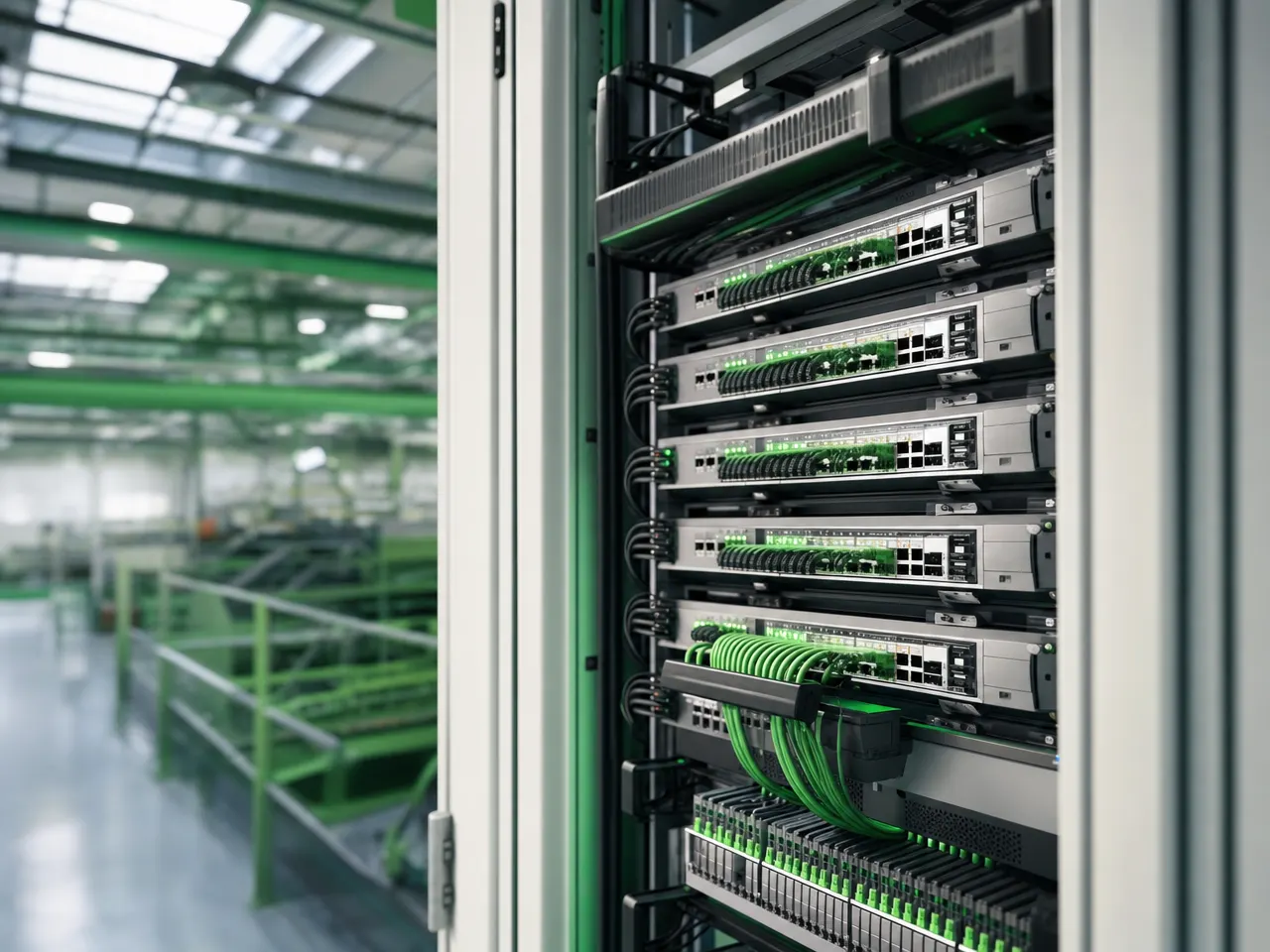
Two areas, two sets of operating rules
The same equipment is run differently on each side of the door. Mix the two and you end up either with a standing line or with unpatched machines.
Stability beats currency
- Changes only during planned downtime
- Long life cycles, often older controllers
- No direct path to the outside
- Vendor access only when requested
- Configurations documented and backed up
Currency beats permanence
- Updates and patches on a fixed rhythm
- Endpoints arrive, leave and get replaced
- Mail, cloud and collaboration reach outward
- Access by role, second factor on external entry points
- Central management and automated rollout
// Building blocks
Where industrial projects actually get stuck
Rarely on the product — usually on the environment, the crossing points and the question of who may do what during a fault.
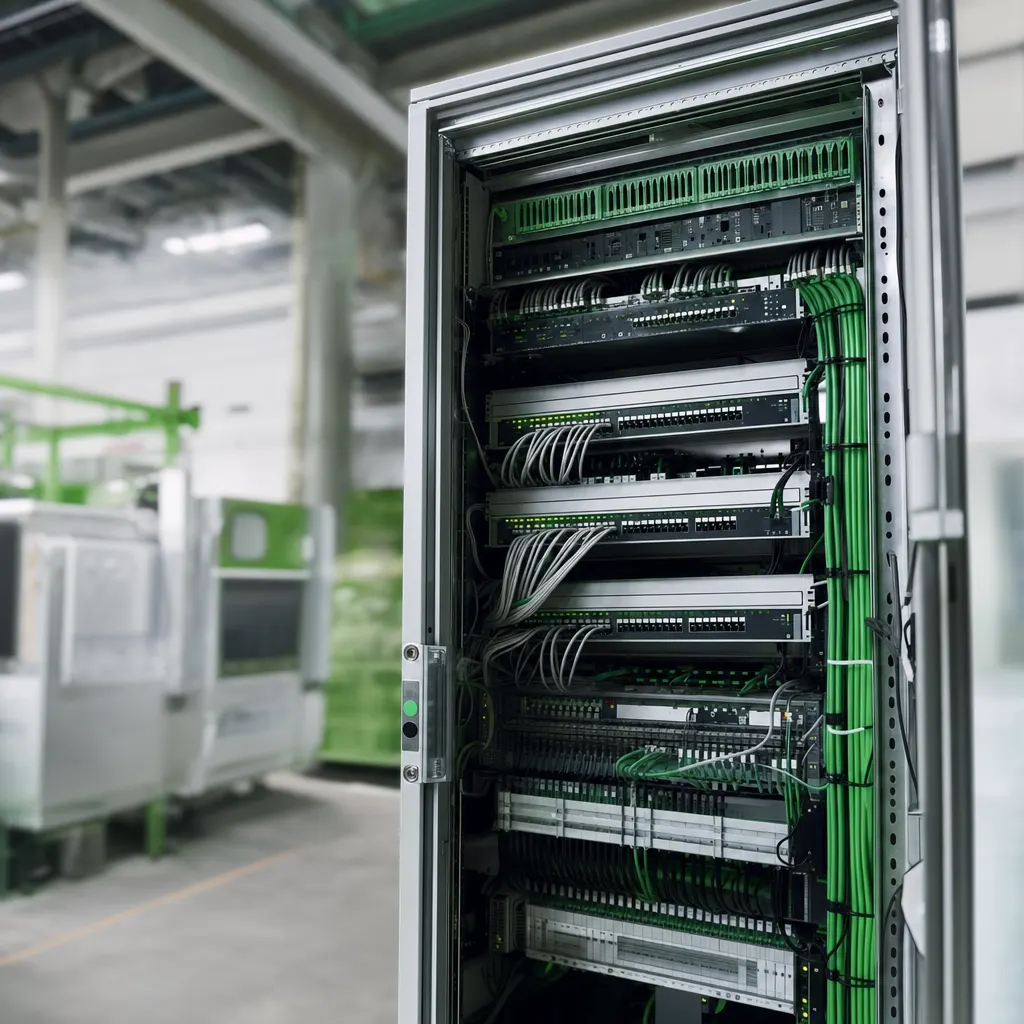
Network into the last hall
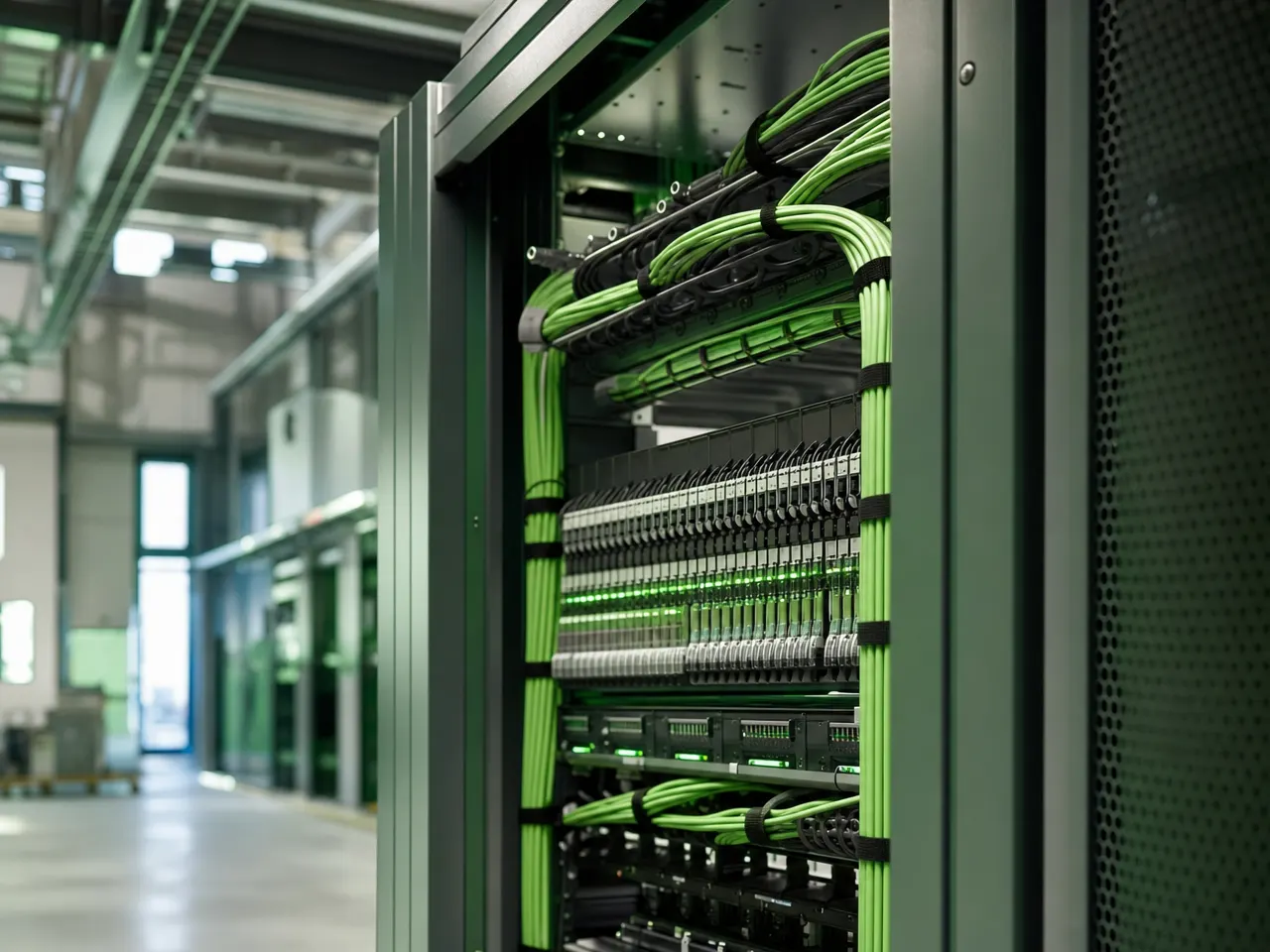
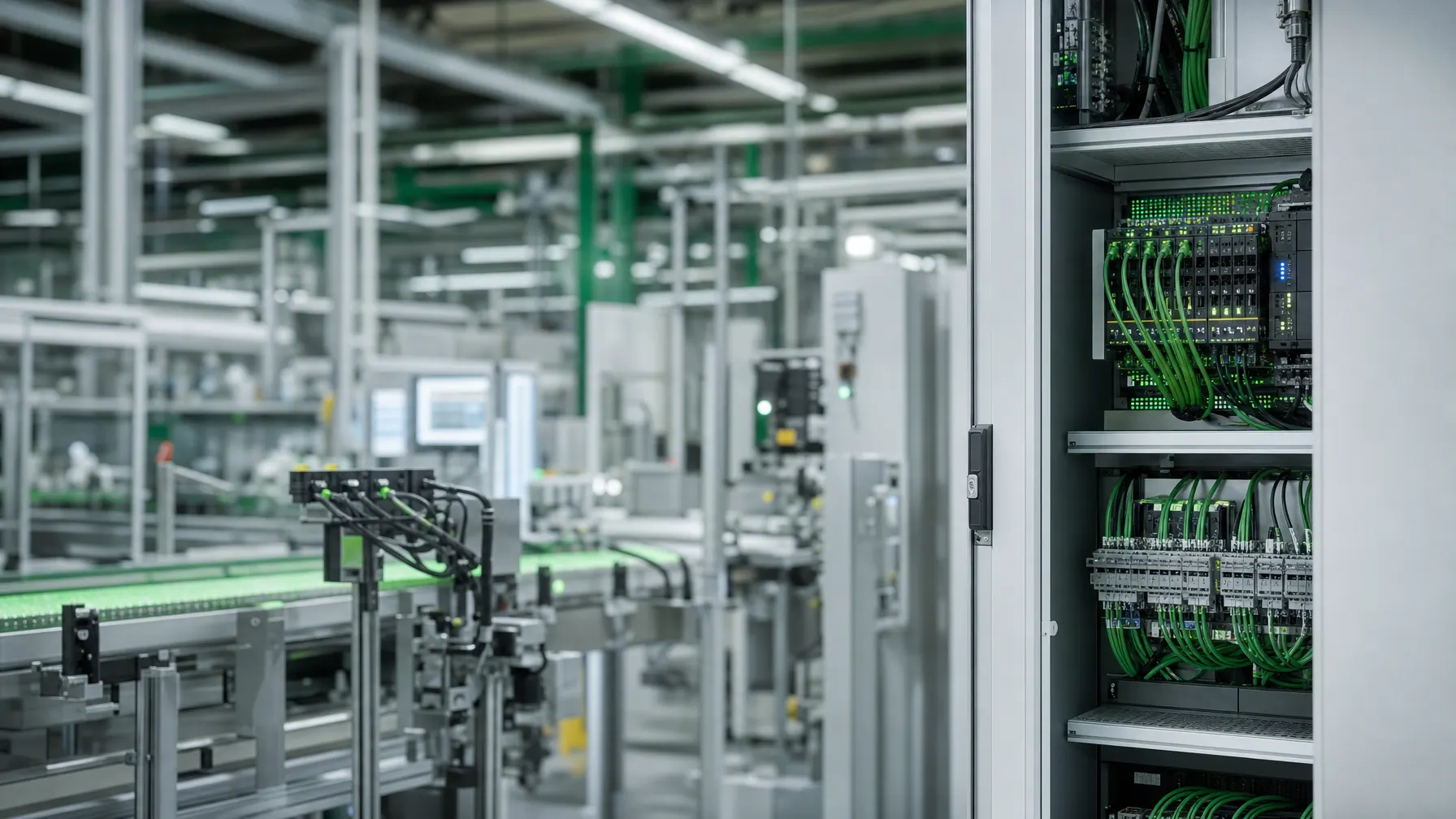
Control cabinets, cabling and access points that cope with dust, vibration and temperature — with a port layout that also helps the night shift.
Network & Connectivity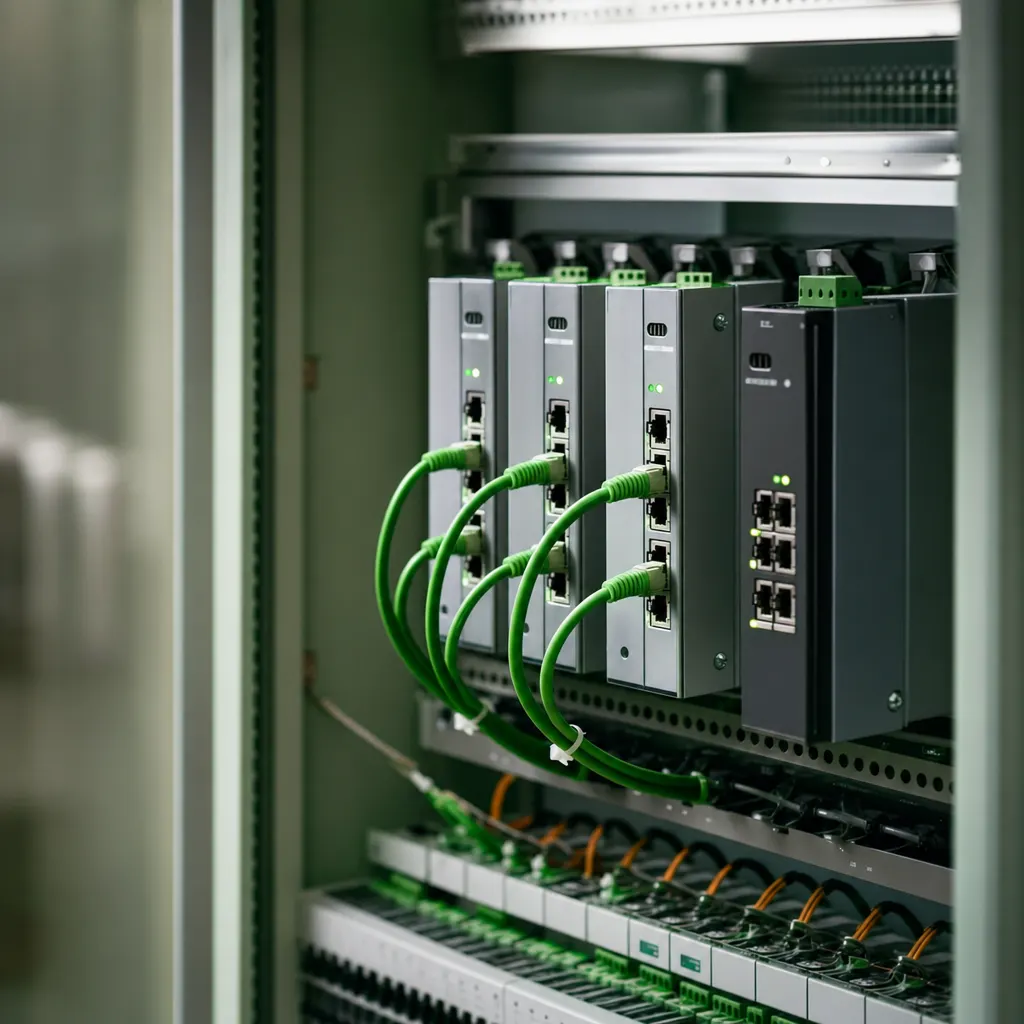
Secure the crossing points
Firewalls between the areas, rules per direction, and logged maintenance access for machine builders.
Downtime accounted for
Fallback routes, backed-up configurations and a rehearsed restart — so an outage costs hours instead of days.
Works in one group
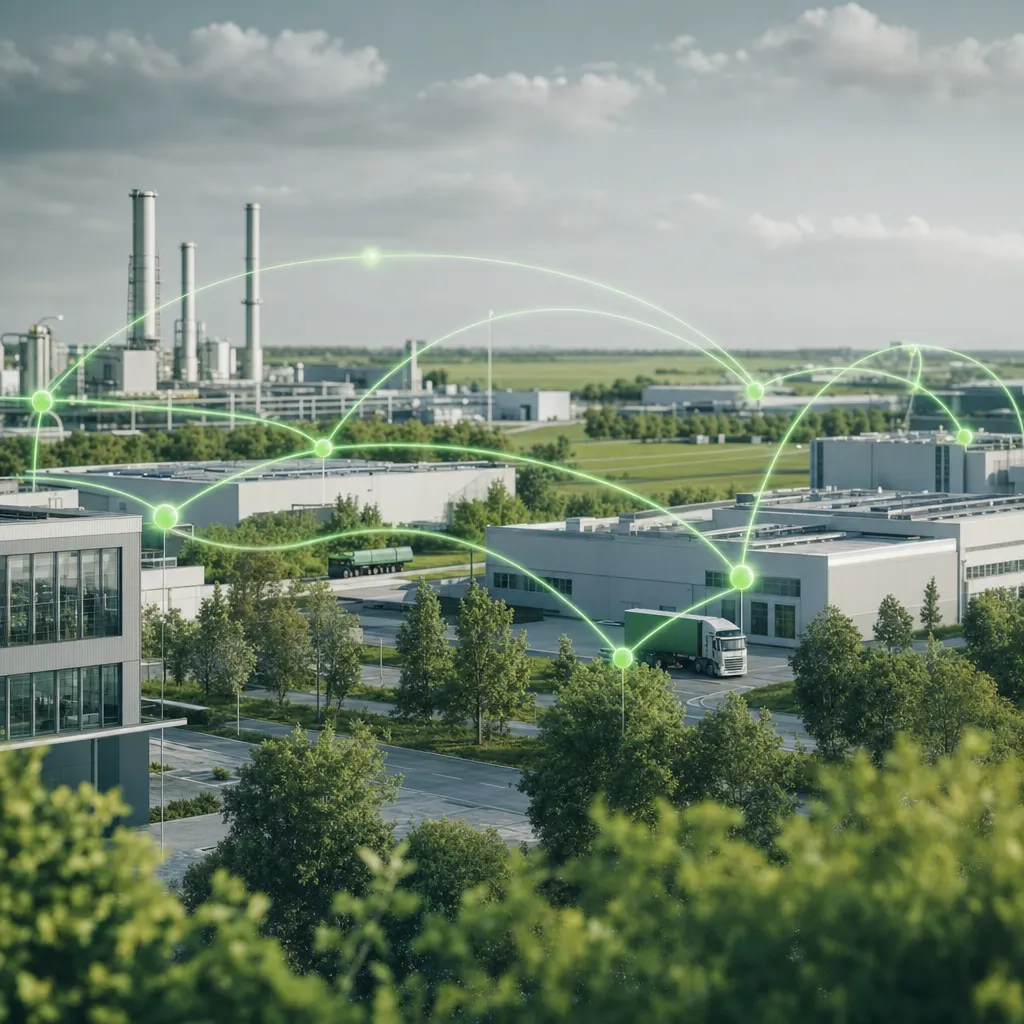
Sites coupled over encrypted links, with shared user management and monitoring across every building.
Hand over operations
Monitoring, maintenance windows and named contacts who know your machine landscape.
// In the works
Industrial sites are planned differently
Where a hall project fails when it is planned like an office project.
-
The environment first, then the device
Dust, swarf, humidity and temperature decide the enclosure, the cable type and the mounting point. Office equipment in a hall rarely lasts as long as it is supposed to.
-
Downtime is an appointment, not an accident
Rebuilds go into maintenance windows, shutdown weeks or shift changes. What does not fit is prepared and tested before its turn comes.
-
Remote maintenance with a switch
Machine builders need access, but not permanently. Entry points are opened for the job, logged, and closed again afterwards.
-
The configuration is the spare part
A switch is quickly sourced, its settings are not. We back up configurations so that a swap stays a matter of minutes.
// Downtime
A line that has stopped will not debate responsibilities.
When production stands still, the only thing that counts is how quickly it starts again. So we agree in advance who does what during a fault — and make sure nobody has to hunt for credentials.
Network & ConnectivityNetwork, servers and crossing points sit in one pair of hands. No trades pointing at each other while the line is down.
Critical components are kept pre-configured instead of being ordered when they are needed.
Who is allowed to do what in an emergency is agreed in advance, machine builders included.
Every larger fault is reviewed afterwards, so the same cause does not get to count twice.
// Questions on industrial IT
Separation, remote access and rebuilding a running line
01 Why should the plant network and the office network be separate?
Because they are operated on opposite principles. Office IT is patched constantly, machine controllers often stay untouched for years. In one shared network, malware from an email reaches the line directly. Separate areas with defined crossing points cut exactly that path.
02 Can you connect several works?
Yes. Sites are coupled over encrypted links, with shared user management and monitoring that shows every building in the same picture. Where lines are missing we plan the connection too — including our own fiber run across the site.
03 Do you touch our machine controllers?
No. The controller itself stays with the machine builder. We are responsible for the network around it, the crossing points, the access and the backup of configurations — and we agree maintenance access with the vendor.
04 How do you plan rebuilds without stopping production?
In sections. New runs are built and tested alongside normal operation; switching over happens in the agreed window. Anything that does not fit into that window is prepared, tested and only then activated.
05 Does your equipment survive a production hall?
The selection follows the environment: temperature, dust, humidity, vibration, and whether a device sits in a cabinet or hangs in the open. Office equipment in a hall is usually the more expensive option, because it gets bought twice.
The services behind a works project

Let us talk about the hall and the office.
Describe briefly how your networks look today and how far remote maintenance reaches into them. We will tell you what can be separated with reasonable effort.