
// Connect · rooms & AV
Conference room, audio and display solutions
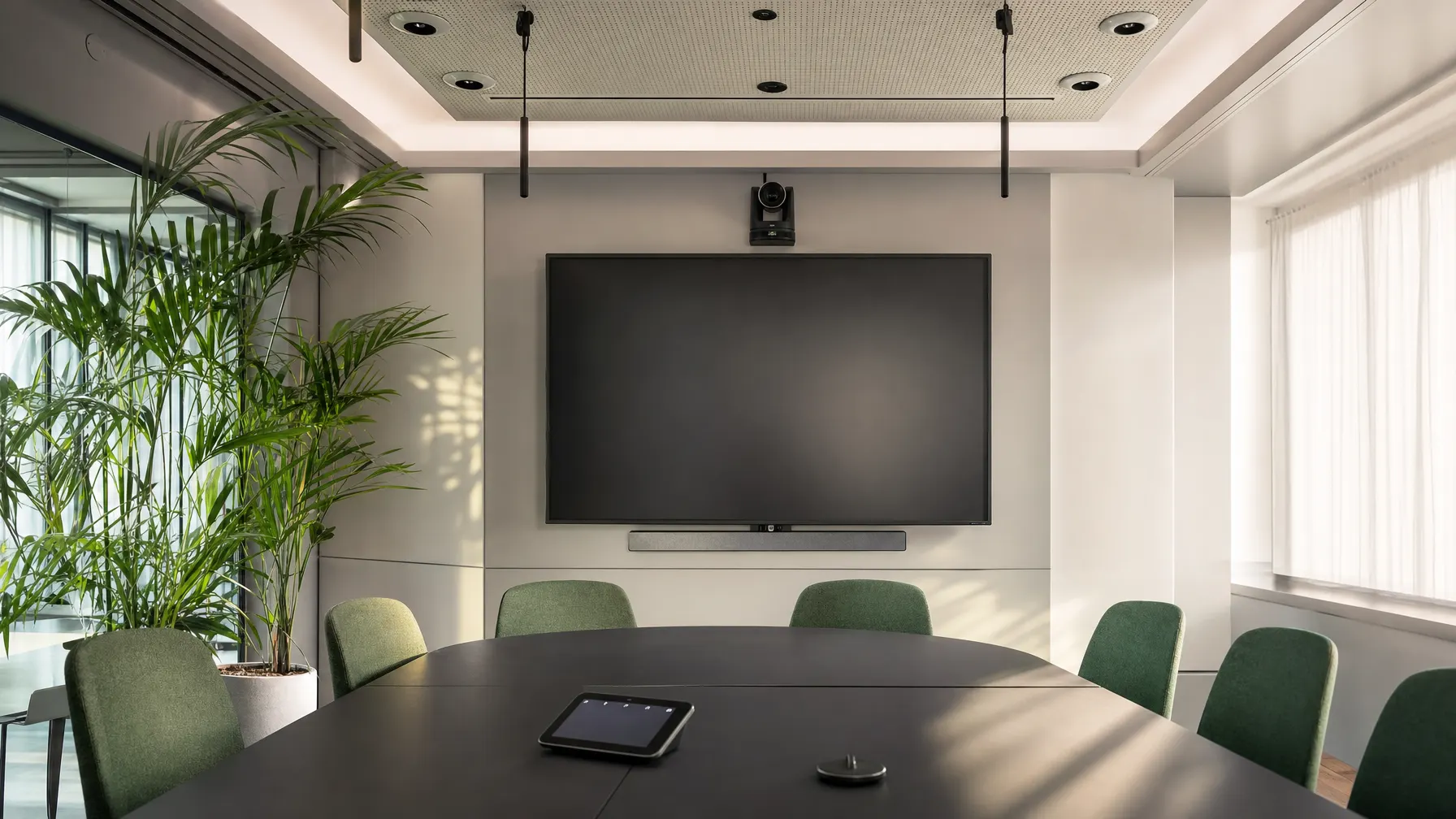
You can tell a good meeting room by the fact that nobody talks about it. We plan sound, picture and controls so that a meeting simply starts.
// Room types
Three sizes, three sets of demands
We equip rooms according to how they are used, not from a single standard package.
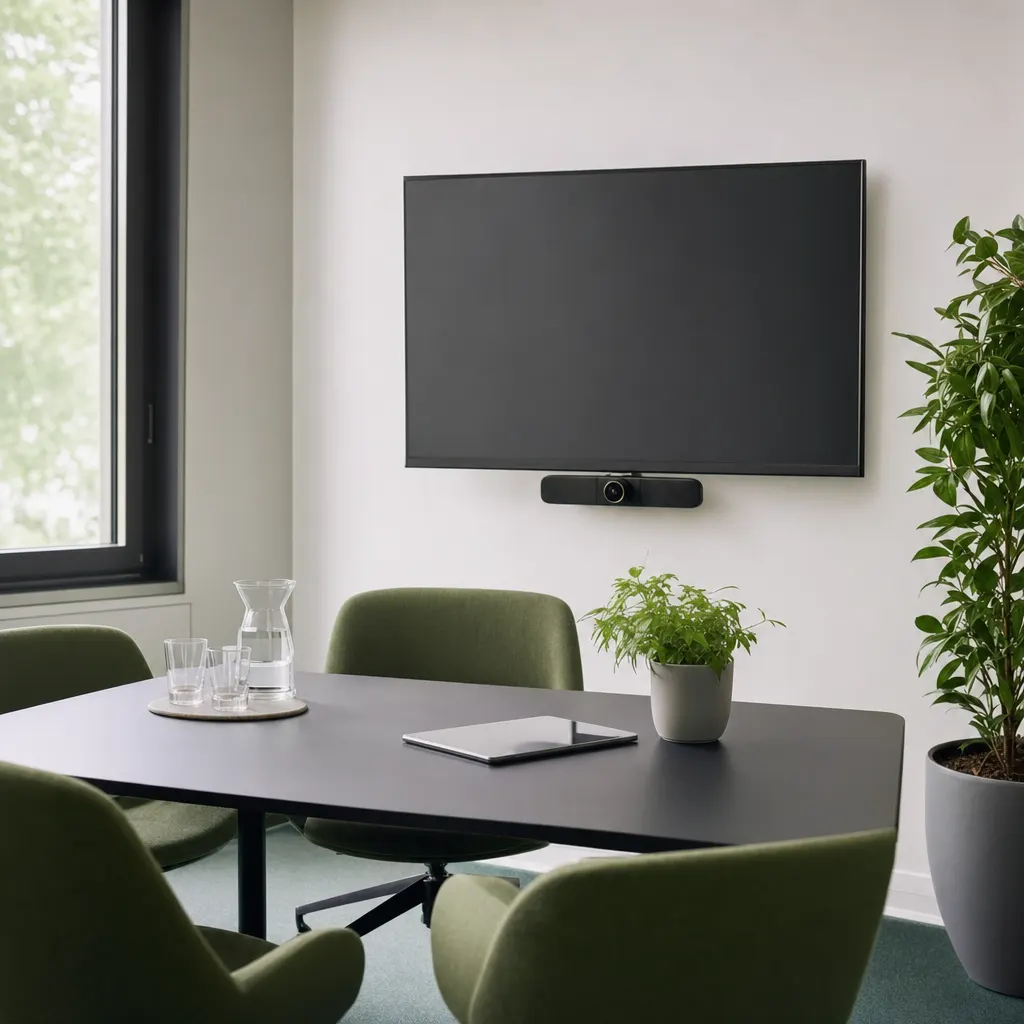
The small room
Two to four people, quick conversations. One unit with camera and microphone is enough, plus a cable at the table.
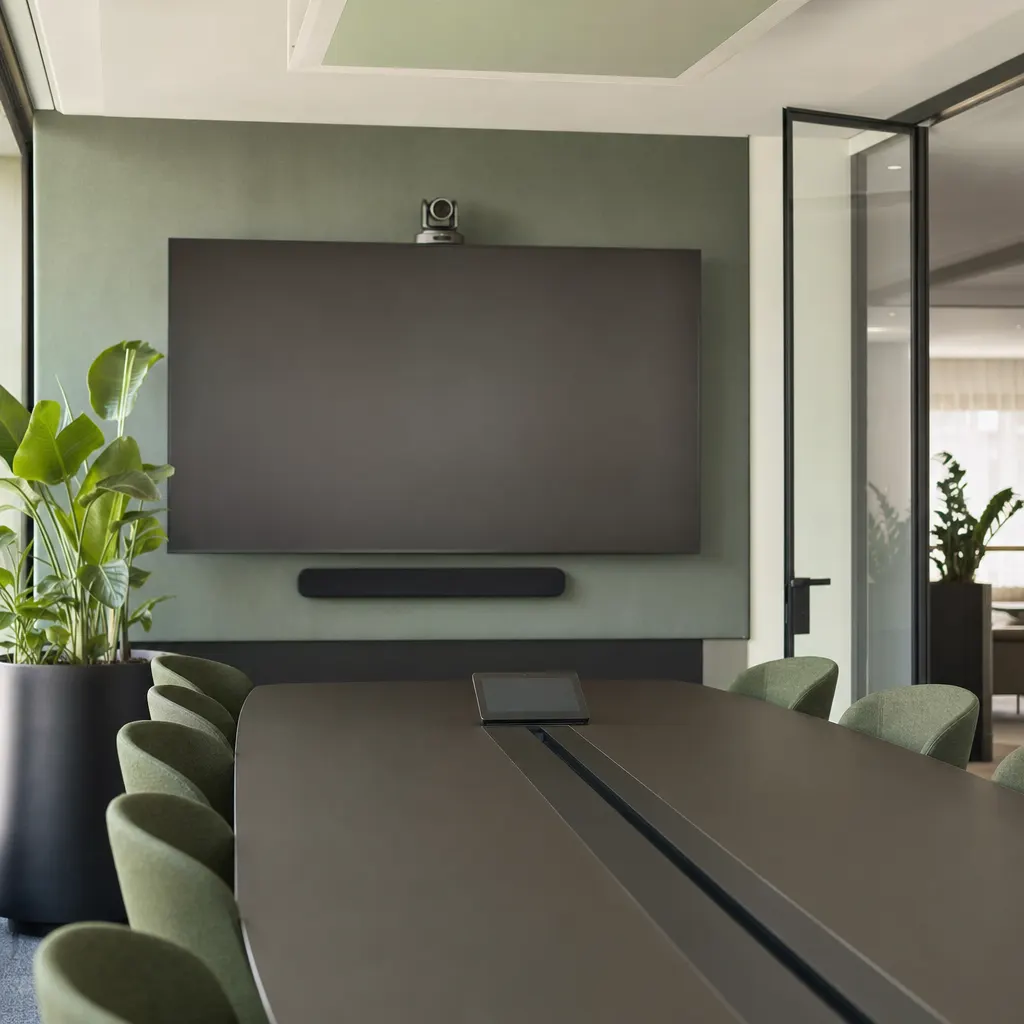
The meeting room
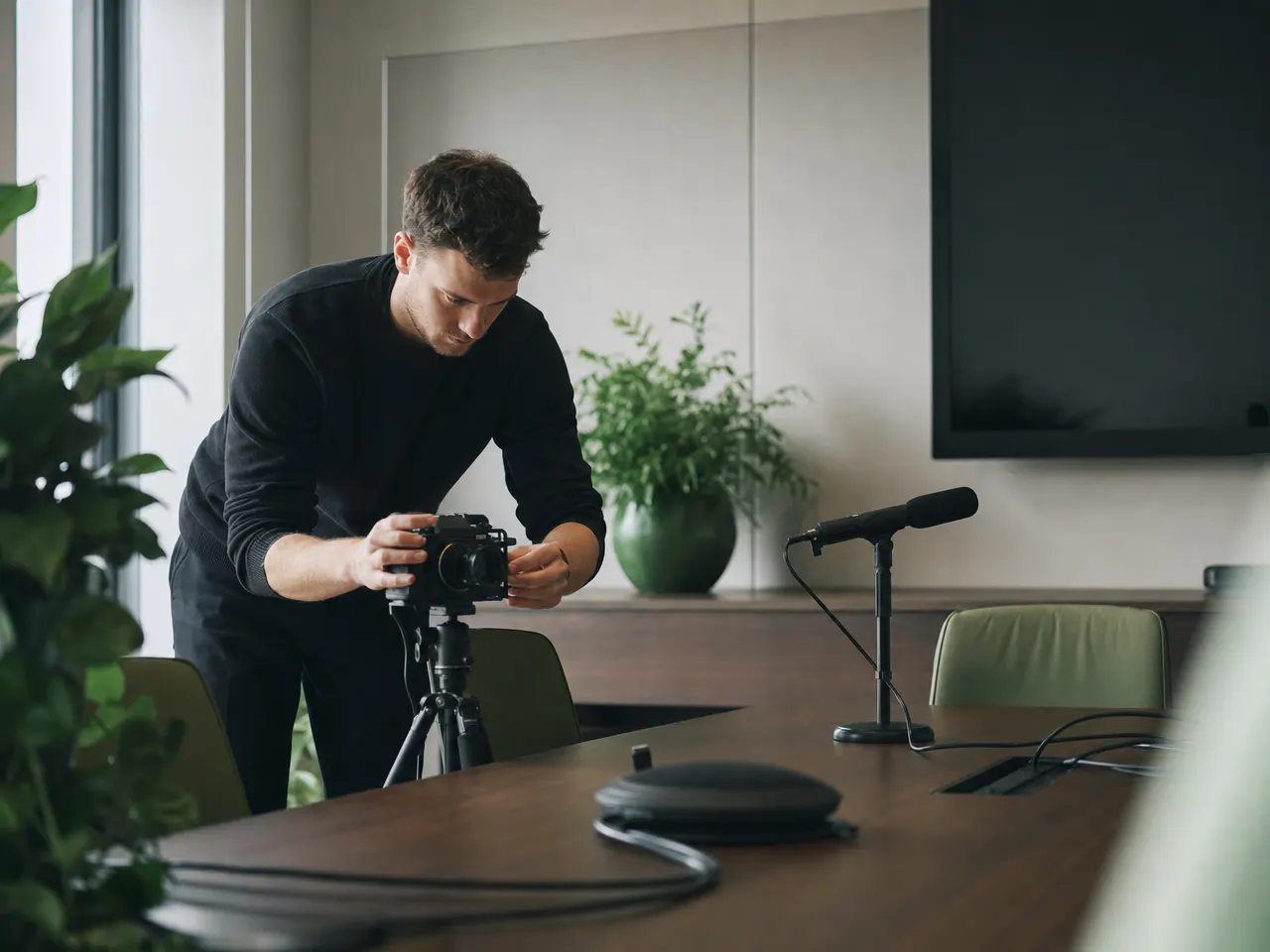
The most common size: separate microphones, a camera that covers the table, and a display still readable from the head of it.
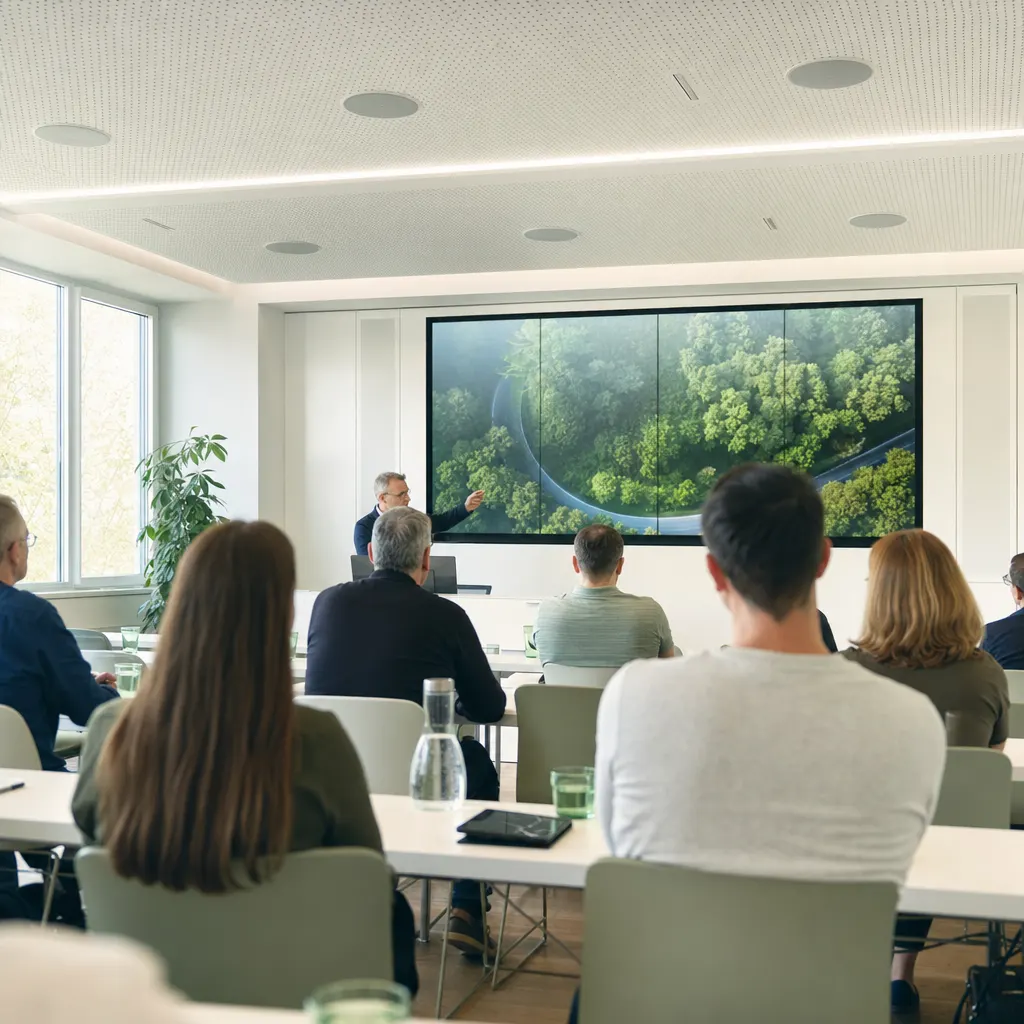
Training and assembly
More floor area, more reverberation, changing speakers. Here it is sound reinforcement and microphone handling that decide.
// Principle
The first five minutes decide what a room is worth
Almost everybody knows the routine: six people sit ready, one hunts for the right cable, another works through the remote, and the far side hears nothing. After the third time the team goes back to laptops and headphones — and the expensive room stands empty.
Rooms like that rarely fail because the equipment is poor. They fail because devices were bought individually and put next to each other without anybody walking through what a meeting actually looks like.
So we start from the sequence: sit down, start, speak, show something, leave. Each of those steps gets a fixed way of being operated — and wherever possible the same one as in every other room in the building.
// Equipment
What a room is made of
Four trades that have to match each other — otherwise even the best single device will not help.
Sound and room acoustics
Microphones to suit the seating, speakers to suit the shape of the room. Where it echoes, absorbers help more than a second microphone.
Picture and camera
A field of view that takes everyone in, and a display still readable from the back third of the room.
Controls
One control panel instead of three remotes. Change rooms and there is nothing new to learn.
Connections and cabling
Outlets, conduit and table connections are planned in and laid by us — measurement report included.
Screens around the building
Displays in reception, the canteen or production: content, ownership and behavior on failure are planned with them.
// Before installation
What we look at in the room
A site visit beats any equipment list. These points decide the outcome in the end.
-
Seating and sight lines
Where do people really sit, who ends up facing a window, and is the display readable from the last seat.
-
Reverberation and background noise
Glass, hard floors and a noisy ventilation system matter more than which microphone model you choose.
-
Light in the room
Backlight makes any camera look poor. Often a different orientation or a blind at the window is enough.
-
Connections and routes
Where power sits, where the network sits, and how the cable reaches the table without becoming a trip hazard.
-
Who uses the room, and how
A room for internal catch-ups gets equipped differently from one where customers are received.
// Questions about conference rooms & AV
What companies ask before fitting out
01 What actually makes a meeting room usable?
The sound. The other side will forgive a mediocre picture; they will not forgive speech they cannot follow. So we plan microphones and room acoustics first and get to the display and camera afterwards.
02 Does every room need the same equipment?
The controls should be the same, the equipment need not be. A room for two people does not need ceiling microphones. What matters is that nobody stands in front of an unfamiliar panel simply because they are one floor up.
03 Can we keep our existing displays?
Often yes. What decides it is the connections, the resolution and whether the unit was built for continuous use. Consumer televisions tend to give up in meeting rooms earlier than commercial displays do — we check that on site.
04 What about cables on the table?
One connection cable for picture, sound and power at the seat is usually the most dependable answer. We are happy to add wireless sharing, but we are reluctant to replace the fixed route with it — guests and older laptops still need it.
05 Do you also handle screens in reception and production?
Yes. Displays for reception, the canteen or the shop floor are planned in as well — including who maintains the content and what appears if the feed drops out.
06 Who sorts it out when a room does not work?
We do. Rooms are covered by the support agreement, and you report a fault the same way as any other. For the most common cases we leave a short set of instructions in the room, so a meeting is not lost over something small.
Related

A room where you simply begin.
Show us your meeting rooms — including the ones hardly anybody uses. We will tell you what is behind it and what a workable fit-out really needs.