
// Connect · servers, storage & location
Data center, server and storage
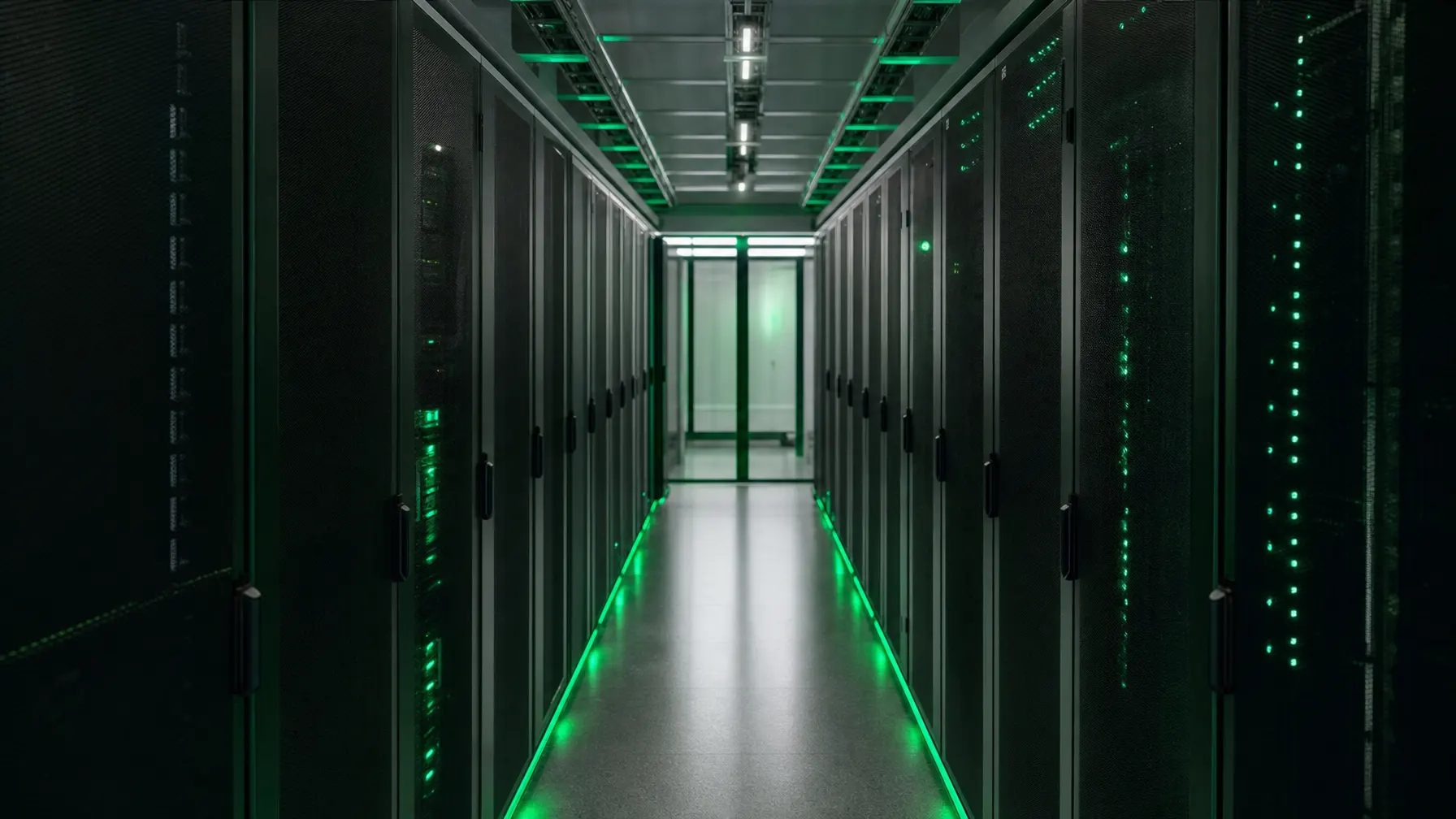
Applications run only as well as what they stand on. We plan the machines, the storage and the place both of them sit in — and take on maintenance afterwards.
// Foundation
Performance nobody sees — until it is missing
Servers and storage go unnoticed day to day. They become noticeable on the morning the order system turns sluggish, the database service stops, or a disk fails that has had no replacement available for two years.
We often see kit that is technically sound but sitting in the wrong place: a rack in the cleaning cupboard with no cooling, a server under a desk in accounts, a cabinet of grown cabling nobody wants to pull a cable out of any more. Setups like that run for years — and then fail on a hot Friday.
So we treat hardware, room and support as one job. How much capacity is needed, where the equipment stands, who gets there when something breaks and how replacements are sourced all belong in the same plan.
// Where it stands
Three places your systems can live
No option is better in principle. They differ in what you carry yourself and what you buy in.
Your own plant room
Everything in the building, short distances, full control over access and data.
- No traffic has to leave the site
- Power, cooling and access are yours to run
- Sensible where large volumes of data sit on site
Colocation
Your own hardware, but in a facility with backup power, cooling and access control.
- Building risks move out of your operation
- You keep ownership of the equipment
- Connectivity and access need planning
Rented capacity
Compute and storage get switched on rather than bought.
- No purchase, no hardware lifecycle to manage
- Adjusts quickly upwards and downwards
- Running cost needs a regular review
// Building blocks
What a server estate that holds is made of
In practice these parts come together, whichever location you decide on.
Servers and compute
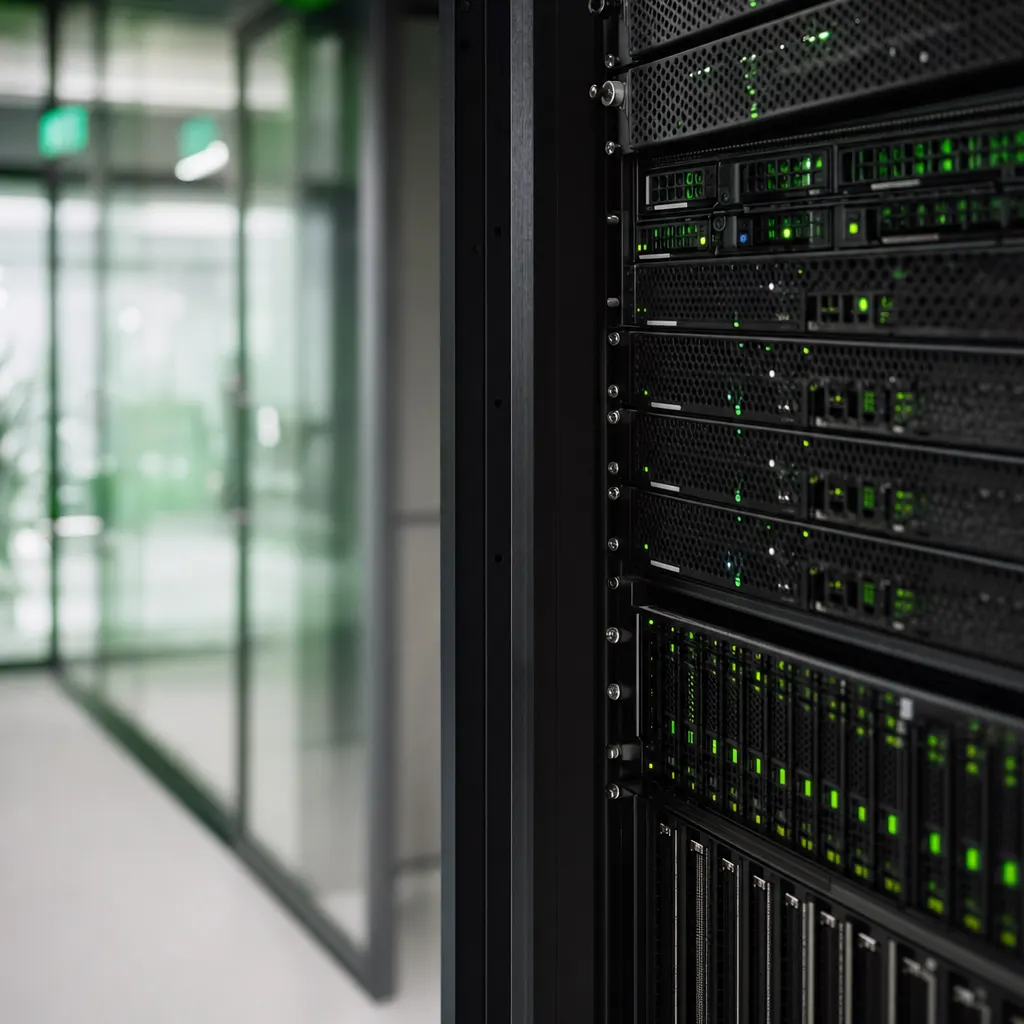
Sized against real load rather than a data sheet, with reserve for peaks and maintenance windows.
Discuss your needs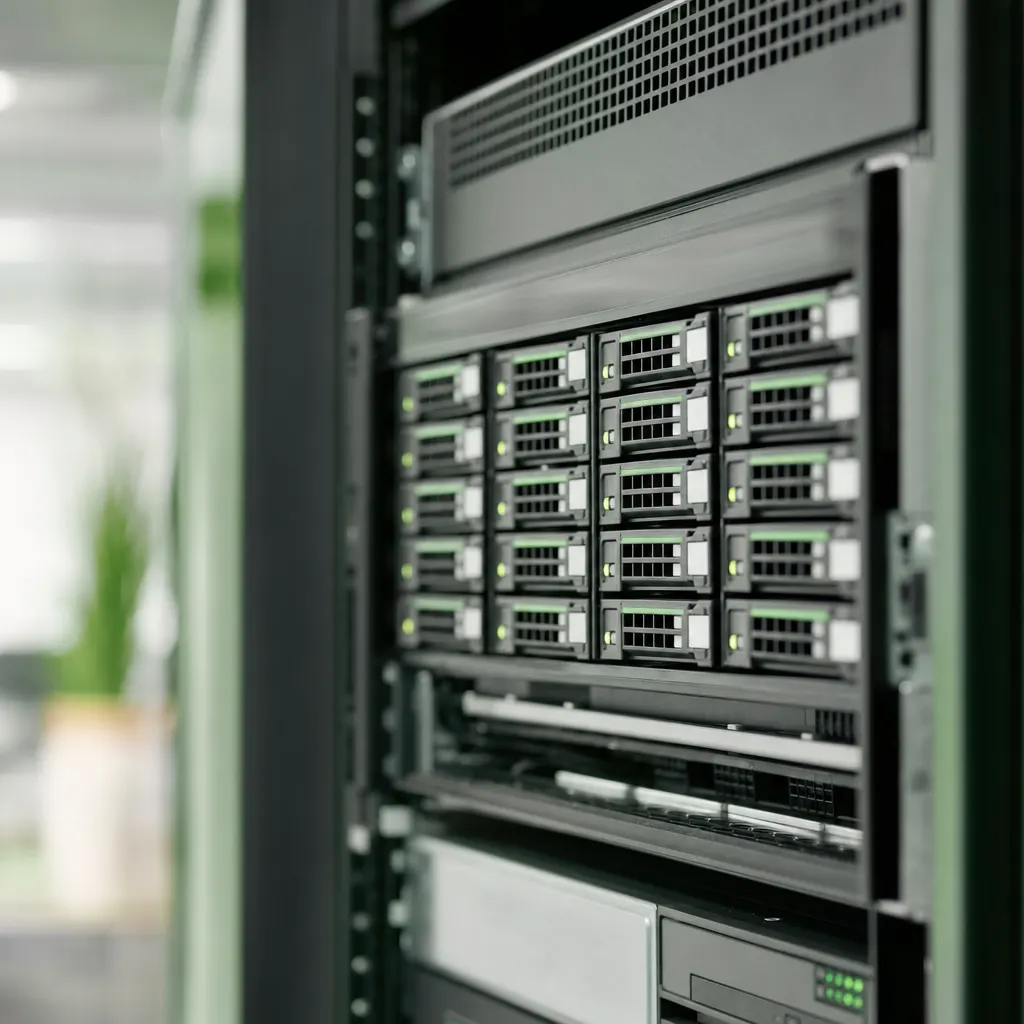
Storage and storage design
Fast storage for databases, cheaper storage for archives — separated rather than all on one pile.
Plant room and environment
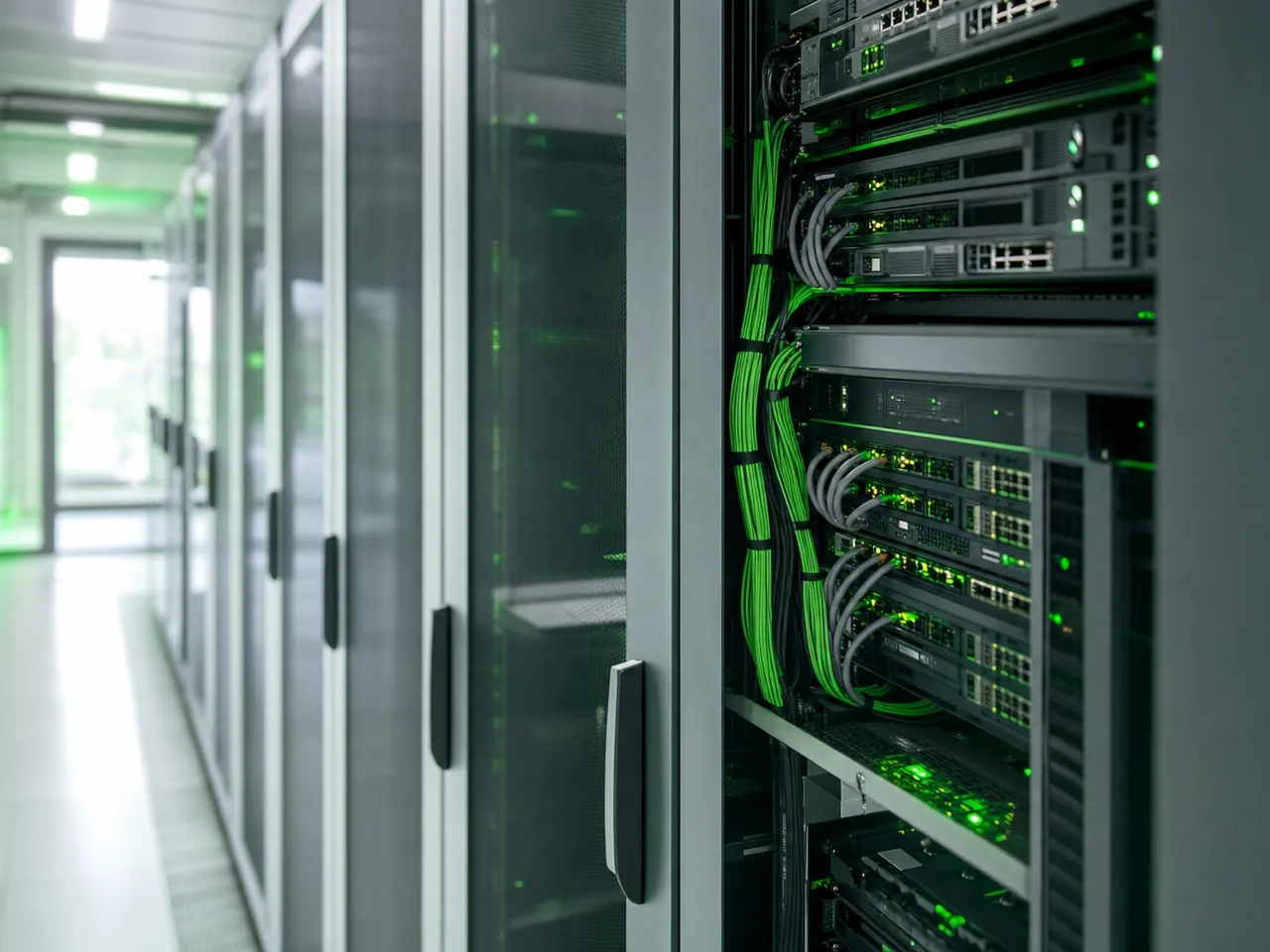
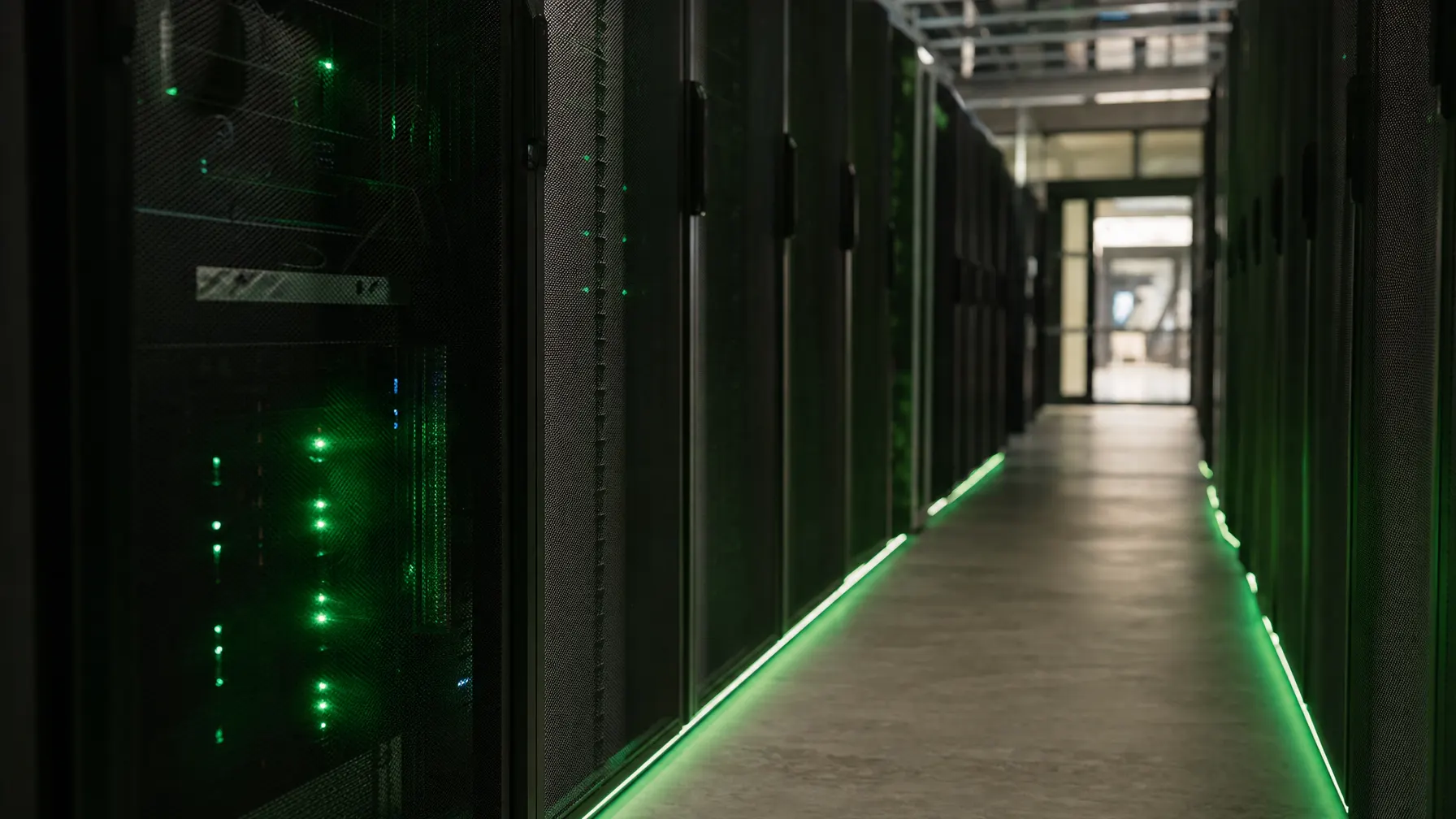
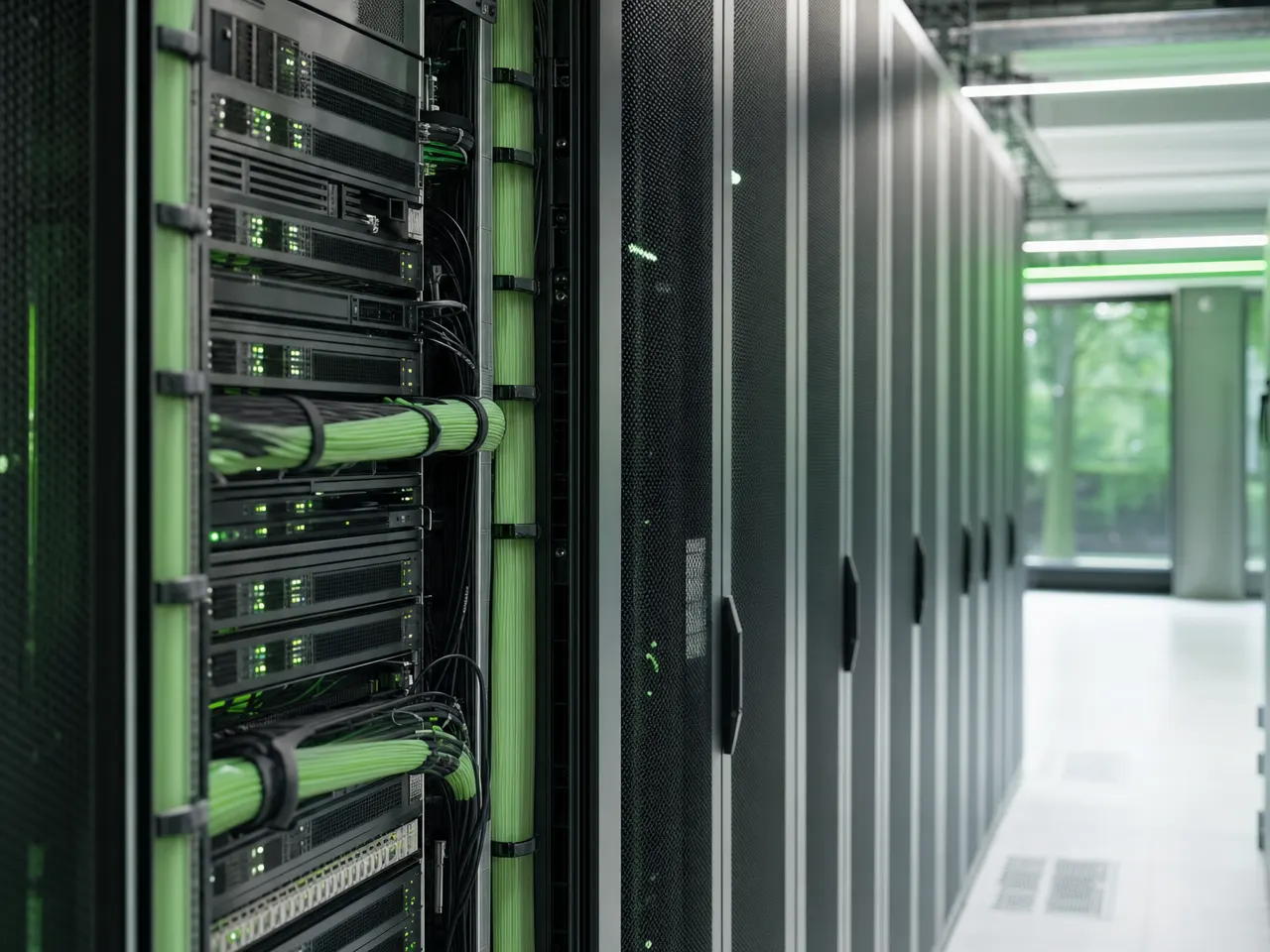
Power, cooling, access and cabling that is documented rather than grown.
Virtualization
How many systems one machine carries and how resources are allocated has a page of its own.
Maintenance and monitoring
Hardware, temperature and disk space report themselves before anyone in the business notices.
// Lifecycle
Hardware has an expiry date — it just does not announce it
Servers are rarely replaced to plan. Usually a machine runs until something breaks, and then the calendar decides the purchase instead of the requirement. Bring the replacement forward and you buy calmly, and you pay less for haste.
IT procurementWhich service agreement expires when sits on a list, not in an old folder.
A planned swap happens in a maintenance window, not on a Tuesday morning.
For secondary systems and spares, tested business hardware is often the more sensible choice.
Old systems only leave the building after documented data erasure.
// Before the build
What we settle before hardware is ordered
Five questions that get expensive later if they are skipped at the start.
-
What is running at its limit today?
We measure load over a period instead of estimating. Often one single service is the brake, not the whole machine.
-
What may stand still, and for how long?
That answer determines which components have to exist twice and which do not.
-
Will the room carry the equipment?
Power, heat removal and rack space are calculated beforehand — not discovered on installation day.
-
Who can physically reach it?
Access, keys and a record of entries belong in the plan, especially where contractors work on site.
-
What does a replacement look like?
Service commitments, spare part availability and ownership are put in writing before anything fails.
// Questions about server & storage
What gets asked before investing in hardware
01 Own server room, colocation or rented capacity?
Operations decide this more than technology does: how critical the systems are, how good your line is, who can get there at night, and what happens during a power cut in your building. We put the three routes side by side with their consequences and give a reasoned recommendation.
02 Can we keep running our existing servers?
Usually yes. We look at age, warranty status, spare part supply and load. Often a full replacement is not worth it and an addition at the point that actually slows things down is — and that point is more often storage than compute.
03 What makes a proper server room?
Separate power circuits with a backup supply, cooling that also holds up in summer, access control, early smoke detection, and cabling you can follow without guesswork. Miss one of those and it becomes the most likely cause of your next outage.
04 Do you take on maintenance and monitoring?
Yes. Monitoring of hardware, temperature, disk space and backups runs around the clock, and we plan maintenance windows together. When something breaks, the response times from your support agreement apply.
05 How do you plan storage capacity?
We look at how much your data has grown over recent years and add reserve for backups and snapshots. Storage planned too tightly gets expensive to extend once systems are live.
06 What happens when hardware fails?
Critical systems are designed so that losing one component does not stop the business. For the rest the rule is simple: spare parts and service commitments are settled beforehand, not researched on the day of the failure.
Related

Before the next hardware order goes out.
We look at your servers, your storage requirement and the room it all sits in — and tell you what has to be replaced and what will carry you a few more years.