
// Industries · Healthcare
IT solutions for healthcare
Patient records are among the most sensitive data there is — and consulting hours do not wait for a reboot. We set up the IT so that both work at once.
// The working day
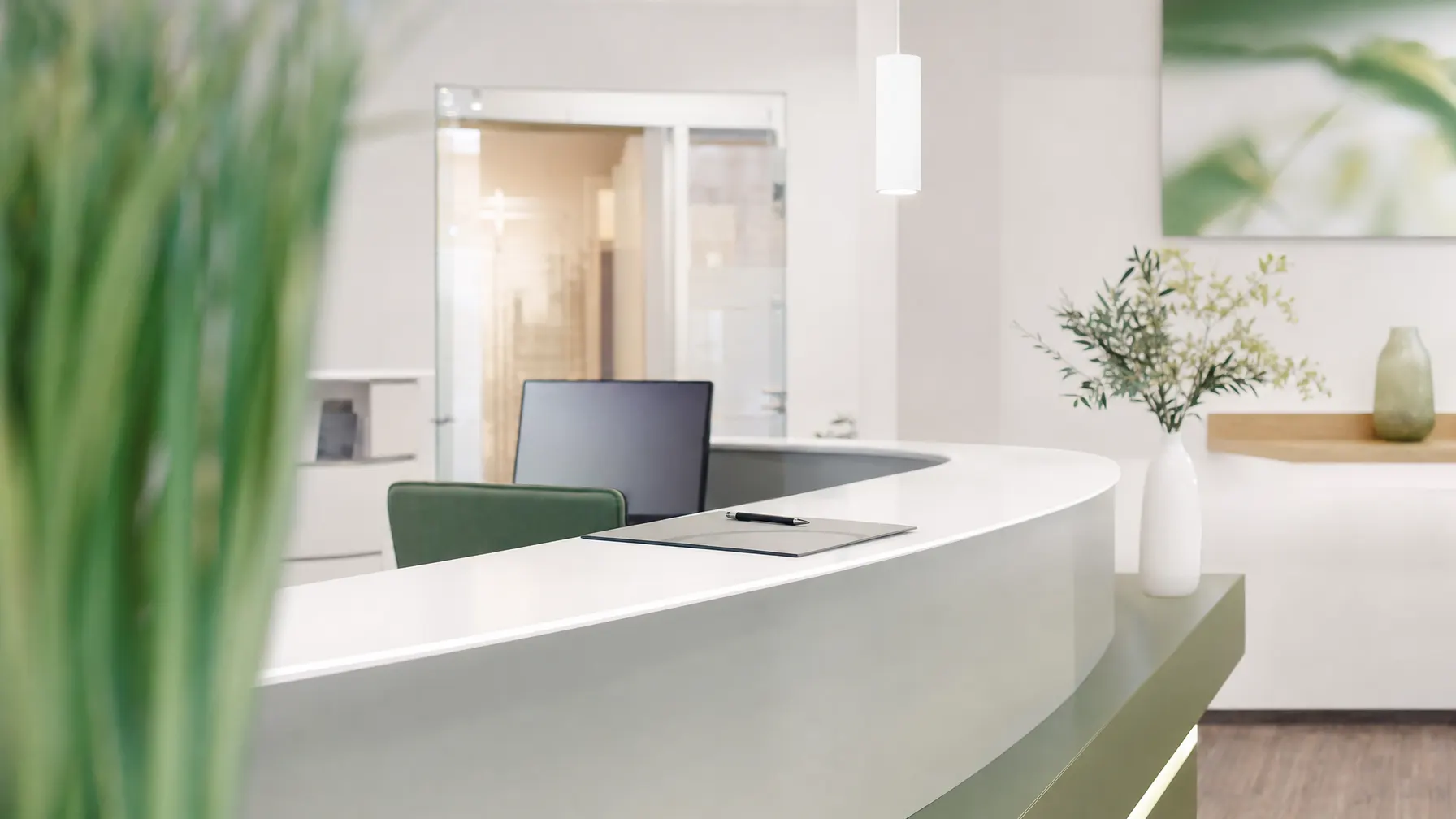
If reception stops, the whole day stops
A practice runs on a handful of systems: the appointment book, the record, the card reader, the printer. Lose one of them and the waiting room fills up within minutes — and nobody has a spare hand to describe the symptoms to a help desk.
At the same time you handle data with particular protection: health data under Art. 9 GDPR, medical confidentiality under § 203 of the German Criminal Code. Those duties are yours. Our job is IT that lets you keep them without turning the working day into treacle.
We come from infrastructure, not from medical technology. Network, servers, endpoints, permissions and backup sit with us — the environment your practice software runs in. The application itself stays with your software vendor; we handle the coordination.
// Requirements
What IT in healthcare has to carry
The points that almost always come up first in an initial conversation with a practice.
-
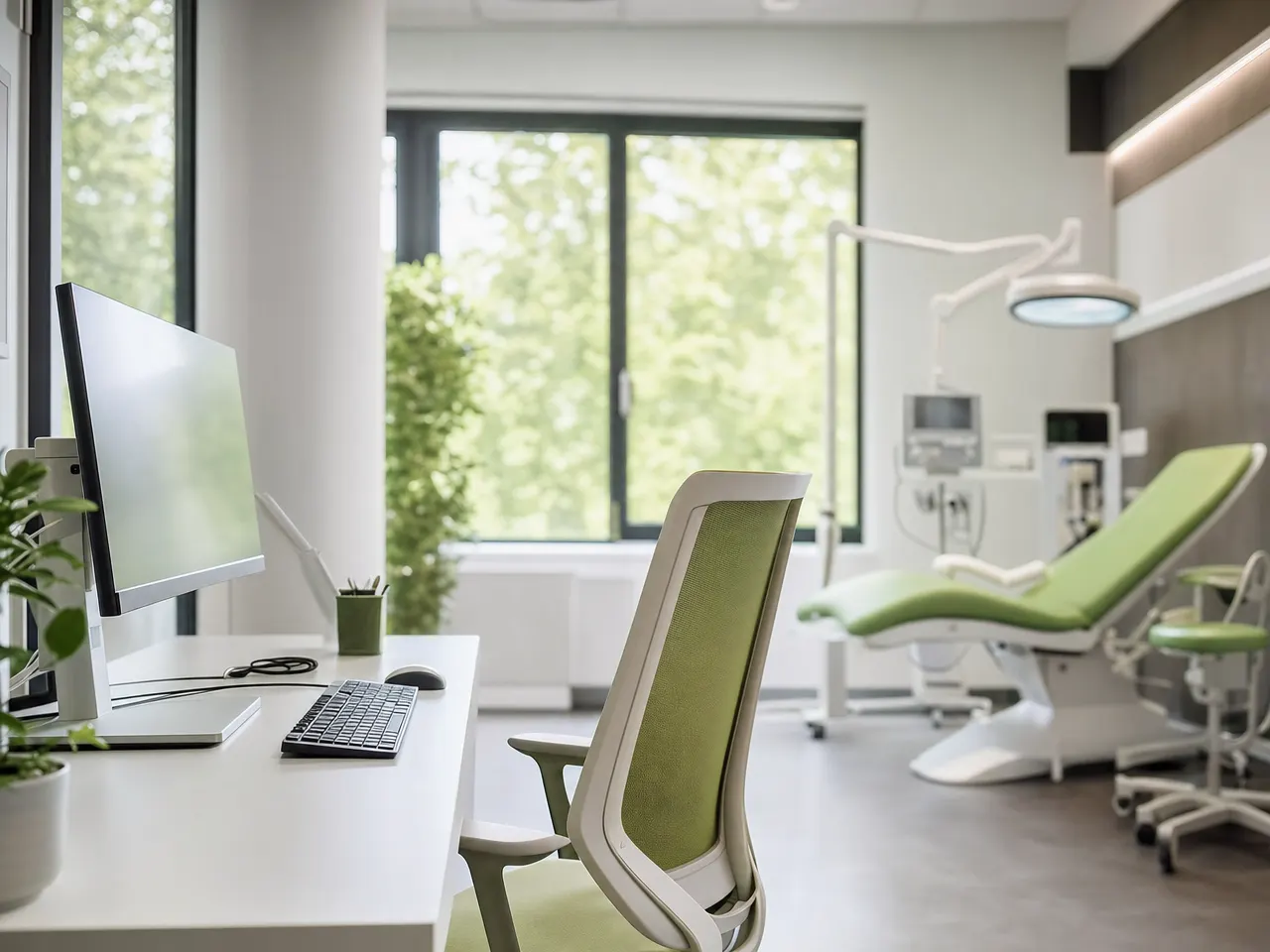
Access by role, not by habit
Reception needs a different view than the treatment room. Permissions are granted per role and written down — so that it can be shown afterwards who was allowed to see what.
-
A backup that demonstrably comes back
A backup only counts once the restore has been tested. We rehearse the way back in calm conditions, not on the morning it is needed.
-
Maintenance follows the appointment book
Updates, reboots and rebuilds go into hours without consultations. Your calendar sets the rhythm, not a vendor patch cycle.
-
Several rooms, several buildings
Branch practice, care center or group: encrypted links between sites, one shared way of managing permissions, and separate network areas for everything that has no business near patient data.
-
Documentation that survives a question
Inventories, port assignments and access rules are written down. It helps day to day — and saves the search when somebody from outside starts asking.

// Availability
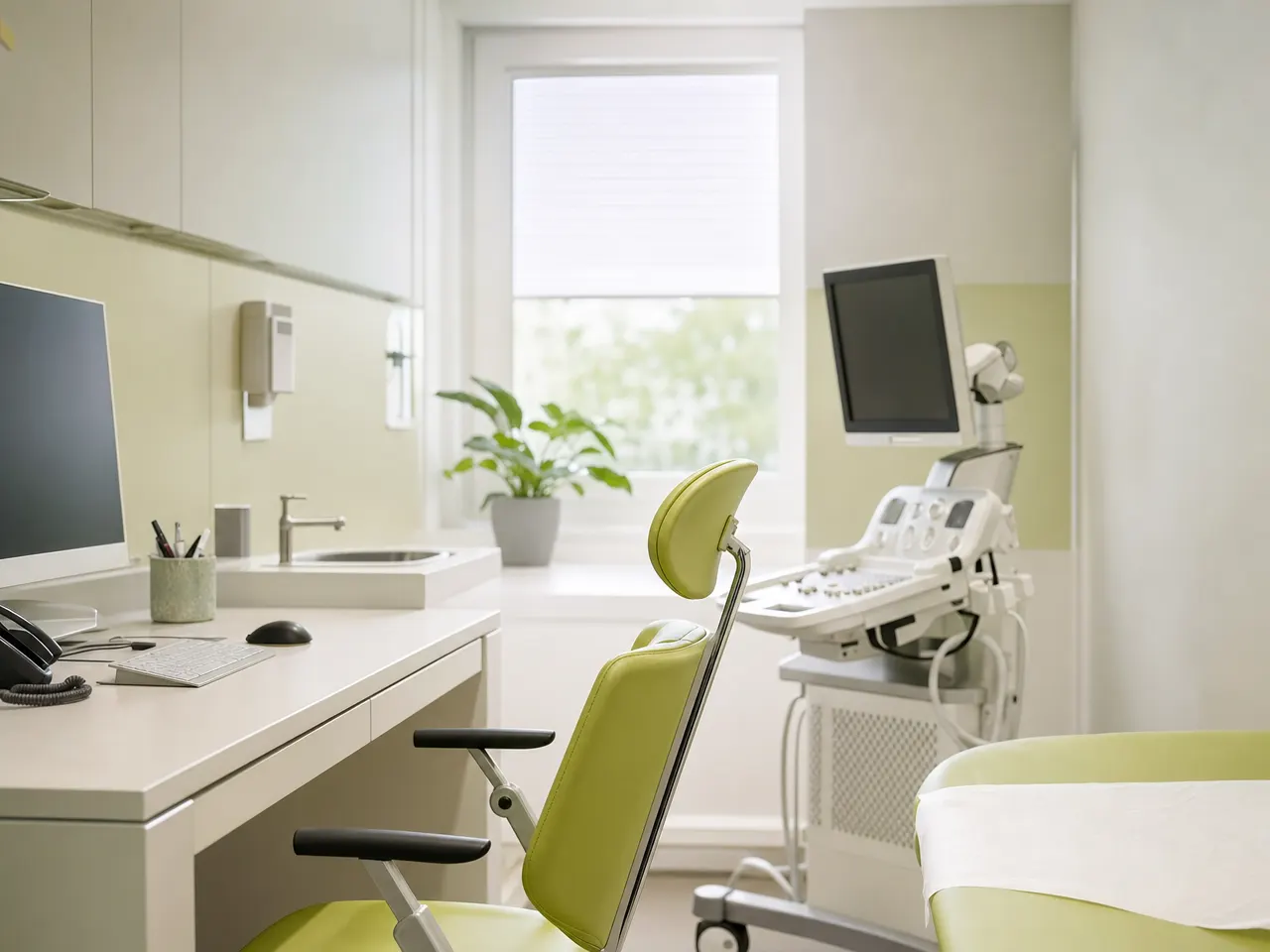
The costliest failure is the one that stops the consulting hour.
A dead power supply costs little. A morning without treatment costs appointments, catch-up work and trust. So we plan the fallback routes before anyone needs them.
Backup & Disaster RecoveryIf the main line drops, a second connection takes over — so card reading and billing keep running.
A pre-configured machine at reception is swapped faster than the broken one can be repaired.
You are told what failed and when it is expected back, instead of waiting without information.
We test the restore regularly, not for the first time in an emergency.
// Day to day
From the front desk to the treatment room
Three places where it shows whether the IT fits the way you work.

Check-in and waiting area
Workstations, card readers, the calling system, printers: the devices with the most public traffic — and the shortest tempers around them.
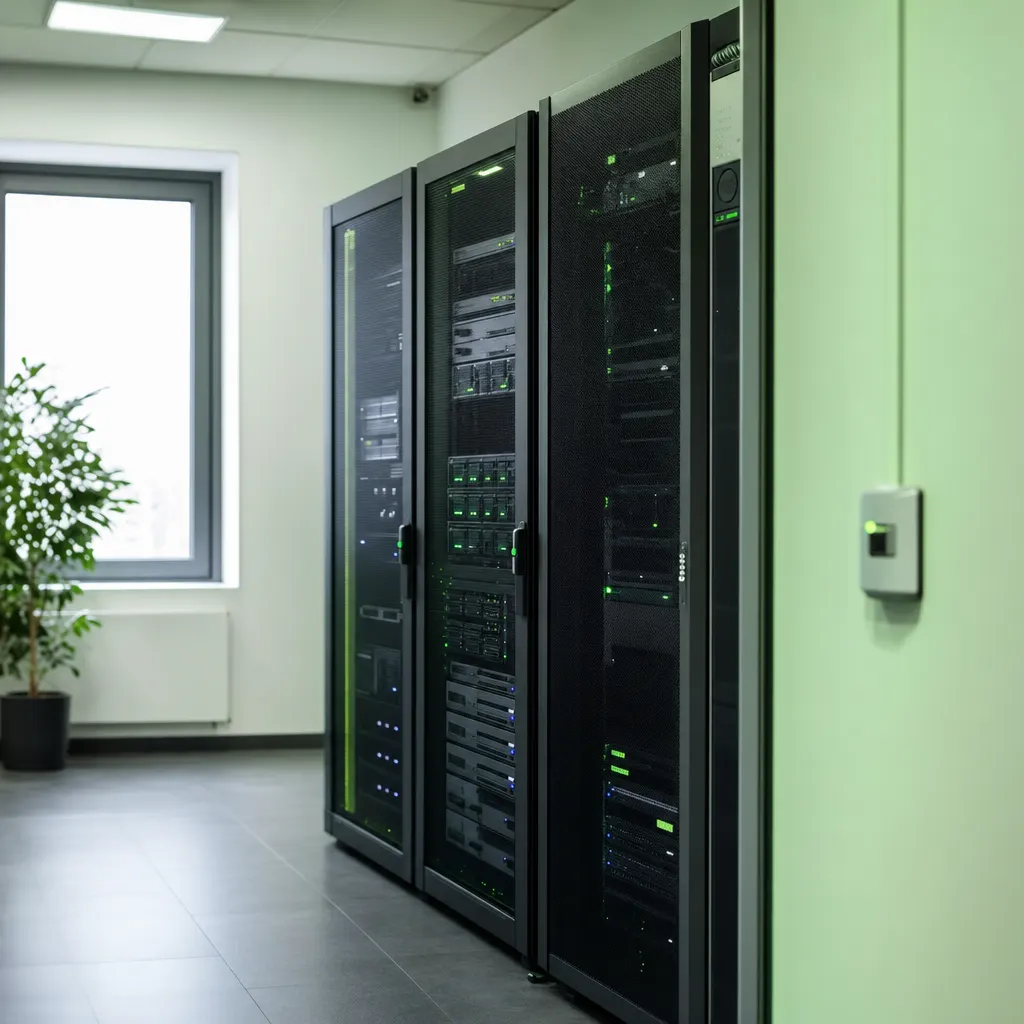
Servers and backup
The cabinet next door carries the practice software. Cooling, power supply and a copy kept off site all belong in the plan.

Support without jargon
Explanations come in the language of the team. Anyone who treats people all day has no time for questions about error codes.
// Questions on healthcare IT
Data protection, downtime and responsibility
01 Do you meet the data protection requirements in healthcare?
The duties sit with you as the controller. Our job is the IT that lets you meet them: access by role, encrypted connections, logged sign-ins and a documented backup. The processing agreement is settled in the contract.
02 Do you look after single practices or larger providers?
Both. The difference is less about size than about structure: a single practice needs clear responsibilities and fast help, a group additionally needs site links and one consistent way of managing permissions.
03 Do you know our practice management software?
We run the environment underneath it, not the application itself. Servers, network, endpoints and backup sit with us; for updates or incidents we speak to your software vendor directly, so you are not relaying messages between two help desks.
04 What happens if something fails during consulting hours?
You report the fault, we take over remotely straight away and come on site when the hardware demands it. Which response times apply to you is written into the support contract beforehand.
05 Can you separate equipment that does not belong to us?
Yes. Guest Wi-Fi, third-party medical devices and vendor maintenance access each get their own area of the network that cannot see practice data. It is often the simplest measure with real effect.
06 Will you take over an existing practice IT setup?
Yes. It starts with a survey: what is running, where the credentials are, which contracts exist, how backups are done. After that we discuss what can stay and what should be replaced first.
Where we usually help practices and clinics first

IT that does not slow the practice down.
Tell us what gets in the way day to day — reception, the network, the backup, or the question of who may actually see what. We will look at it.