
// System Integration · Build
System integration and API connections
Two systems that need the same data should not each be given it separately. We build the connection between them — and make sure it speaks up when it starts to falter.
// Symptoms
Three places where data gets stuck
Almost every integration enquiry starts with one of these three sentences.

“We type that in twice”
Customer records live in sales, in accounting and in dispatch. Anyone who moves house gets changed in three places — or, more likely, in one.

“The same person does the export every Monday”
A file travels by hand from system A to system B. If that person is off, the process is off. And nobody quite remembers which column belongs where.

“Which number is right?”
Warehouse and shop report different stock levels. Instead of asking why, everyone starts arguing about which screen to believe.

// Principle
One home for every field — the rest follows
Integration is rarely a technical problem. It fails because nobody has decided which system wins when two of them disagree. We settle that first; after which the interface is usually the easier half.
When standard software runs outFor every field it is fixed where it originates and who is allowed to change it.
One way or both, immediately or in batches — chosen by need rather than by convenience.
Rejected records do not vanish. They land visibly in a queue somebody works through.
Every transfer leaves a trail that lets an incident be reconstructed later.
// Approach
From scattered data to a connection that holds
Three stages — the first is paperwork, and it decides the rest.
Draw the data map
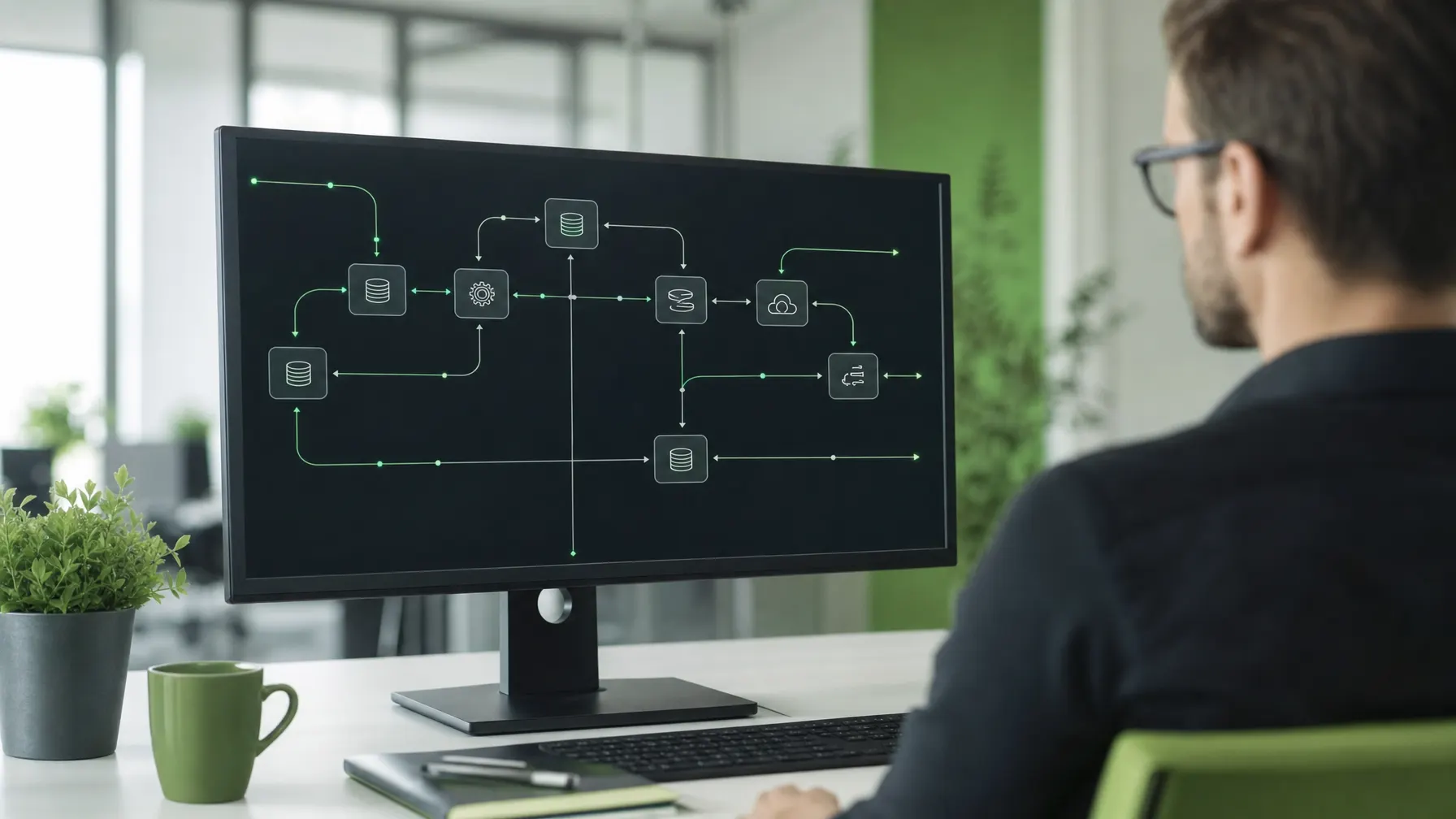
Which systems exist, which fields appear more than once, where somebody transfers by hand today. The result is a map on which every arrow represents a decision.
Build it and prove it
We map the fields onto each other, work through the special cases and test with real data in a separate environment. Only then does the connection go live.
Observe it in service
Run times, error rates and transfers that fail to arrive are measured. Anything unusual reaches a named person before somebody in the business notices a gap.
// In service
An interface is finished when it reports on itself
The dangerous state is not the interface that crashes — that gets noticed within the hour. The dangerous one is the interface that quietly transfers less than it did yesterday. Two weeks later orders are missing and nobody can say since when.
So every connection comes with an expectation attached: how many records are normal, how long a transfer may take, what happens to a rejected record. When reality drifts away from that, an alert goes out with a name behind it.
On top of that sits the documented field mapping. It sounds like bureaucracy, but it is the only artefact that still has value when a vendor is swapped or a system replaced — and it is what separates a connection from a script living in one person’s head.

// Questions about integration
Worth settling before the first interface
01 What does an interface actually give us?
It replaces manual work and ends the argument about which system is right. Data is maintained in one place and travels from there — which removes typing and takes an entire class of mistakes out of the working day.
02 Do you connect cloud services with local systems?
Yes, that is the most common case. The ERP sits in your own server room while the customer system runs as a service on the internet. The first thing we settle is direction: where does a record originate, where may it only be read, and who corrects it when the two disagree.
03 What if one system has no open interface?
Then we look at the alternatives: a documented export, database access agreed with the vendor, or a step through a file. We advise against any route that only works by circumventing something — it breaks at the next update anyway.
04 How do we find out when a transfer fails?
Every connection reports its own condition. If a transfer stops arriving or errors pile up, an alert goes to a named person — not into a mailbox nobody reads. Without that feedback we would not describe an interface as finished.
05 Who is responsible when a vendor changes their system?
We document which fields and versions a connection relies on and follow the announcements of everyone involved. When something changes, we adjust. That upkeep is part of the arrangement; otherwise the interface would be stable only until the next release.
06 Can you automate steps on top of that?
Yes. Once data is moving, rules can be attached to it: trigger a status change, request an approval, produce a report. The only condition is that every automatic action leaves a record somebody can read afterwards.
Related
All IT services
Which number is somebody at your company retyping right now?
Name the two systems and the route between them. We will tell you whether an interface is possible, what it requires and what it costs to keep running.