
// Fiber optics · business & industry
Fiber optic cabling for business and industry
Between floors, buildings and sites: we plan the route, pull and splice it with our own team, and test every fiber before we hand it over.
// When fiber
Not faster — but where copper cannot reach
At the desk, copper remains the practical answer: it powers phones and access points over the same cable and is quick to terminate. Fiber becomes interesting where a copper run hits its length limit, where two buildings need joining, or where electrical interference sits in the way.
Then there is longevity. A fiber that has been pulled stays the same when the equipment at either end gets faster — the upgrade happens in the cabinet rather than in the duct. That is the real reason risers and links between distributors are usually built in glass.
We install fiber as part of the overall cabling rather than as a special project: the same routes, the same labeling, the same handover report as on the copper side, only with different test equipment.
// What makes the difference
A fiber run is decided at its two ends.
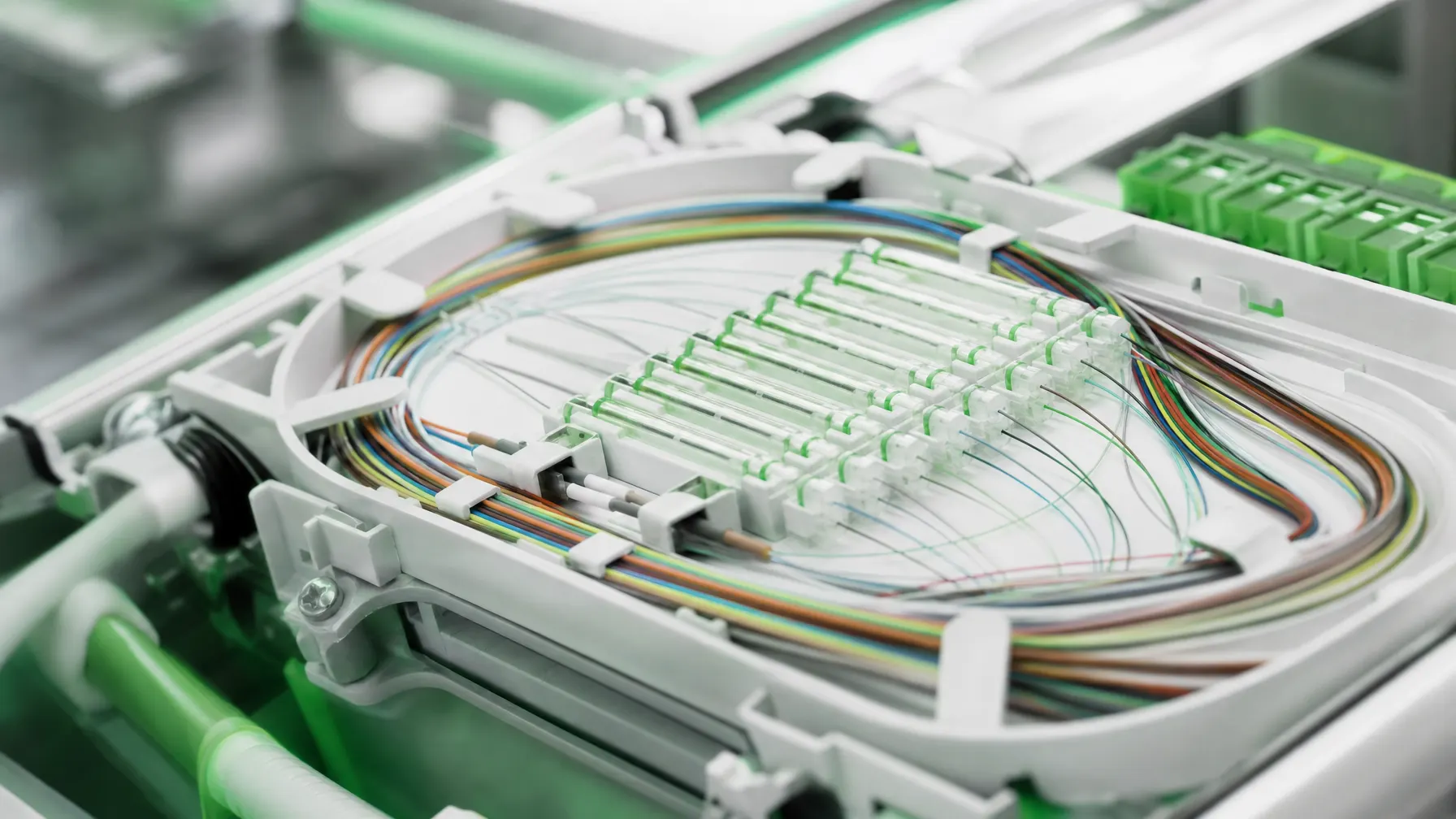
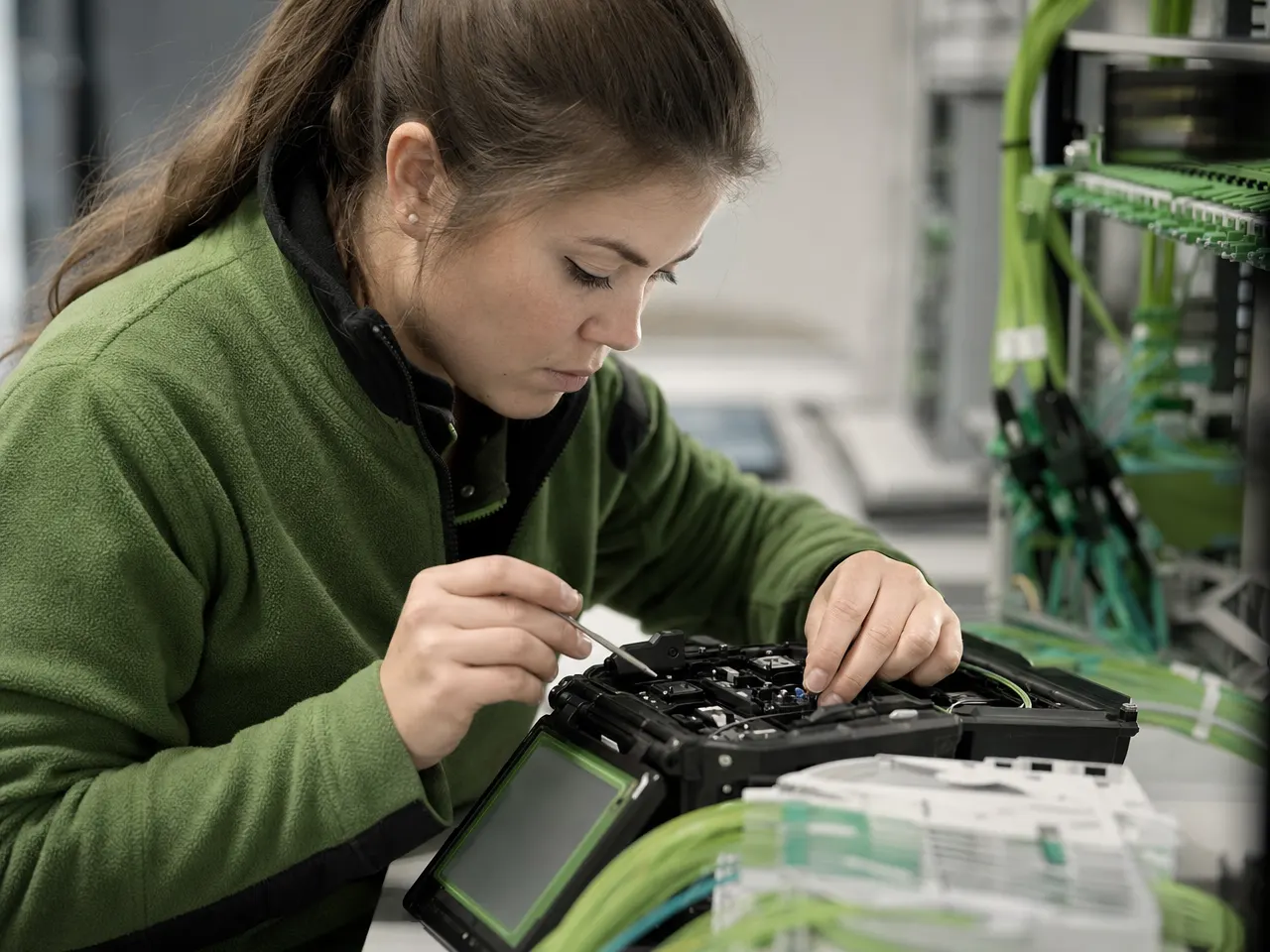
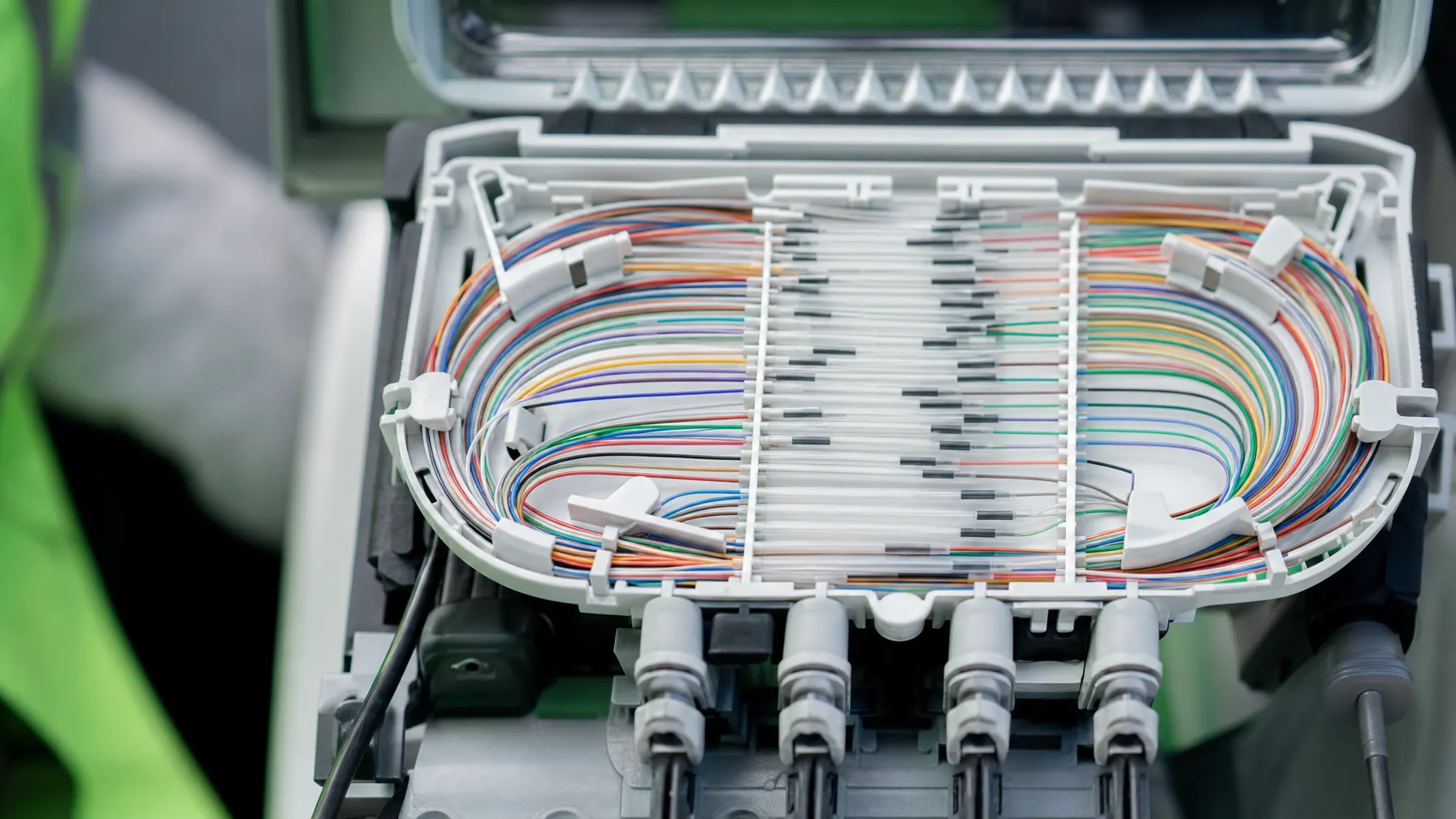
The fiber itself is rarely the problem. Loss appears at the ends: at the splice, at the connector, at a curve pulled too tight, at a contaminated end face. The quality of a fiber run therefore comes down to care during termination.
Guide: fiber or copperA fiber pulled around too tight a corner attenuates permanently — and the fault will not wander off on its own.
Factory-terminated pigtails in the tray instead of connectors sitting halfway along the run.
End faces are cleaned before every mating. One fingerprint is enough to take a link down.
Loss and trace are recorded for all of them, spare fibers included.
// Fiber type
Single-mode or multimode?
The choice is made before the first duct, because it determines the equipment at both ends — and correcting it later means new cable.
Short runs inside a building
- Common between floor distributors and inside a data center
- Equipment at the ends comes in cheaper
- Reach is limited, and more sharply so at high data rates
- Sensible where runs stay short and growth is predictable
Distance and long service life
- First choice between buildings and sites, and for risers
- Bandwidth stays open when the equipment is replaced later
- Reach is practically never the limiting factor
- Sensible wherever the route is meant to stay in the ground for decades
// Where we use it
Three situations that call for glass
Three cases where the decision almost always pays for itself — and which we usually build together with the copper installation.

Joining floors
The link between building and floor distributors carries the traffic of a whole storey. Spare capacity matters here: more fibers than today needs, so a later upgrade does not require a new route.
Buildings and locations
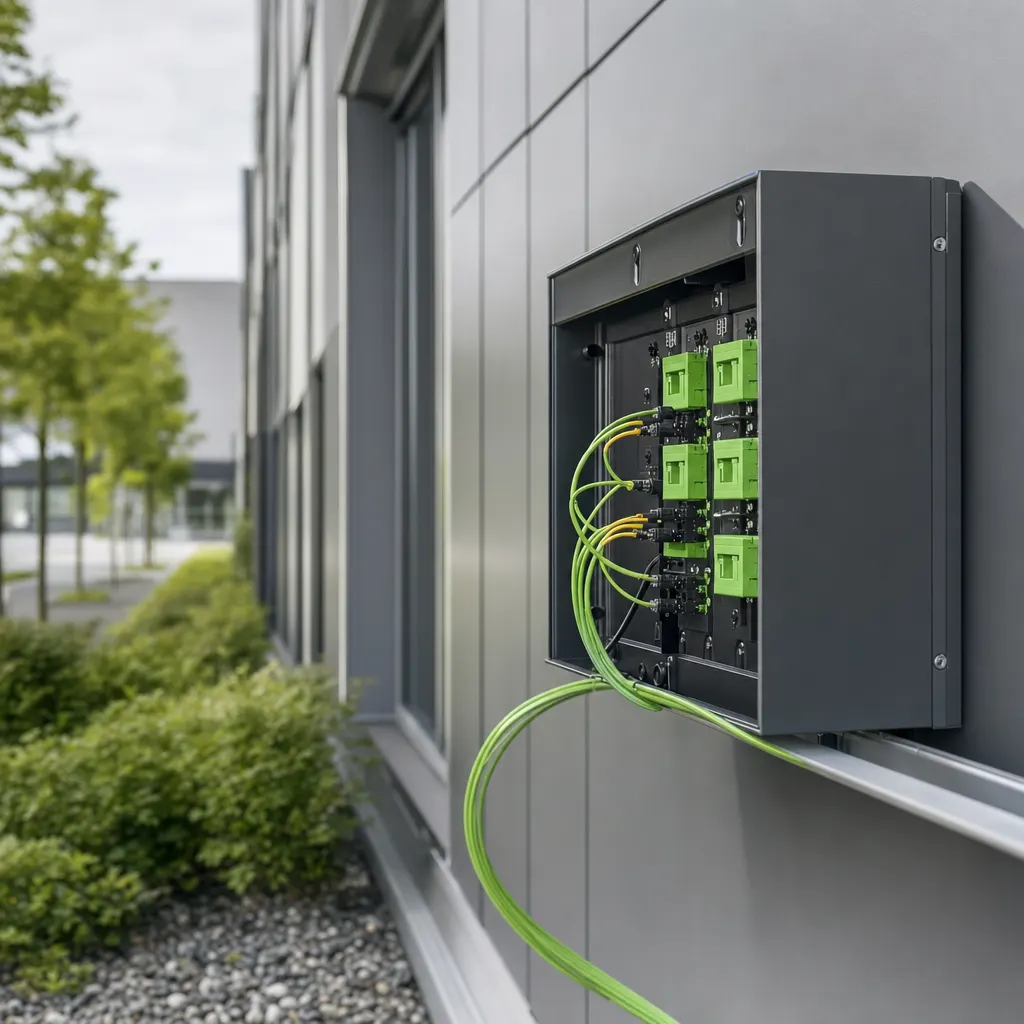
Production hall, administration and outbuildings on the same property grow into one network. Fiber covers the distance and keeps the electrical potentials of the buildings apart at the same time.

Data center and rack
Between servers, storage and switches the links are short and dense. Pre-terminated assemblies and disciplined routing keep the cabinet workable even at high port counts.
// How it runs
From the route to a tested fiber
Three stages. The work sits in the first and the last — in between it is craft.
Settle route, fiber type and ends
We check the route, existing ducts and entry points, fix the fiber type and count, and clarify where the run terminates on each side. Where the route crosses land that is not yours, sorting out the rights belongs to this stage.
Pull, splice, terminate
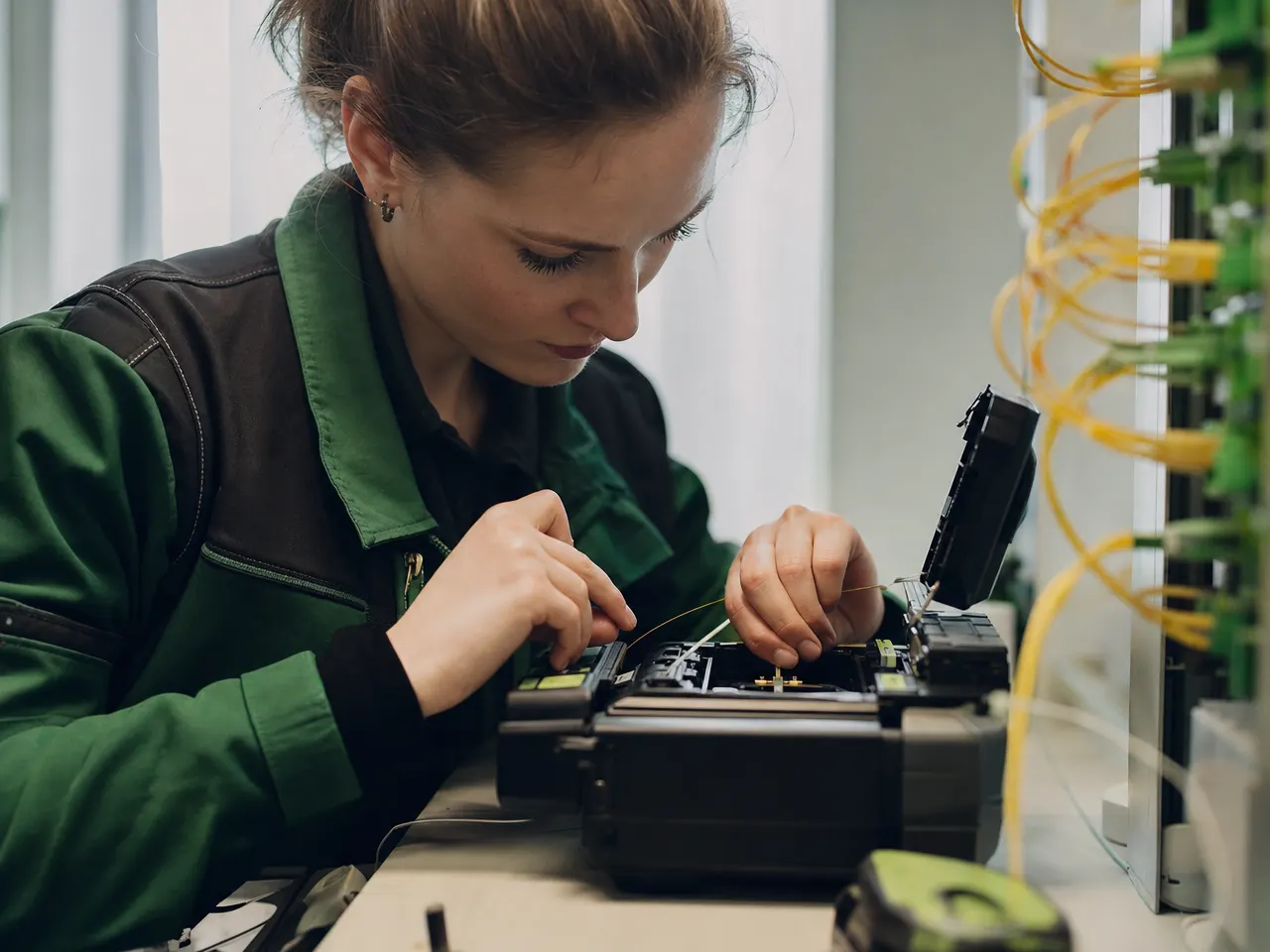
The cable is drawn in without strain, laid into the tray and spliced onto pigtails. Radii, pulling force and labeling are handled as the work happens, not in a second pass.
Loss and OTDR trace
Every fiber is measured against a reference and recorded with an OTDR. Splices that stand out are redone, then measured again before the report is handed over.
// Before the project
Six things worth settling in advance
Most delays on fiber projects do not come from the technology. They come from open questions about the route.
-
Where exactly does the run end?
Room, cabinet and rack position on both sides — including space for the tray and the distribution frame.
-
Is there a route, or does it need digging?
An existing duct, a riser shaft or ground work make the single biggest difference to the effort.
-
Who owns the land in between?
Where the route crosses somebody else, an agreement has to exist before anyone turns up with a machine.
-
What equipment goes on the ends?
Fiber type and connector style follow the devices that are meant to run over the link later.
-
How much spare is planned?
Extra fibers and a little cable slack at each end cost almost nothing while the route is open.
-
Is testing part of the price?
Ask whether the OTDR trace and the loss measurement are included in the quote.
// Questions on fiber
Fiber type, testing and rights of way
01 Can you run fiber into a private house?
That is outside what we do — our work is for companies, medical practices and public institutions. Homeowners weighing up whether copper is enough or fiber is worth the trouble will find the deciding factors in our guide; the installation itself then belongs with a contractor who serves residential customers.
02 Single-mode or multimode — which suits us?
For short runs inside one building, multimode is common because the equipment at each end costs less. As soon as runs cross between buildings or sites, or the installation is meant to last, single-mode is the calmer choice: it will not put a ceiling on bandwidth later. We decide it from distance, the planned equipment and how far you intend to expand.
03 Do you test the runs yourselves?
Yes. After splicing we check every fiber: insertion loss against a reference, plus an OTDR trace of the whole run. That reveals a poor splice or a bend pulled too tight, neither of which a simple continuity check would show. The results go into the handover report.
04 Can you link two buildings on our own site?
Yes, and it is one of the more common jobs. What needs settling first is whether a duct already exists or ground work is required, who owns the land in between, and where the fiber terminates on each side. Fiber has a second advantage here: it carries no potential difference between the two buildings.
05 Why splice instead of using connectors?
A fusion splice onto a factory-terminated pigtail loses less light and holds up better mechanically than a connector sitting somewhere along the run. Connectors belong where patching happens — in the distribution frame, not halfway down the route.
06 How many fibers should we have installed?
More than you need today. The fiber itself is the cheapest part of the job; the route, the labor and the splicing cost the same either way. Spare fibers add little during the build and save you from digging or climbing the riser a second time.
Related pages

Two buildings, one link — what does it take?
Tell us which points need joining. We look at the route and say whether an existing duct, ground work or a different path is the cheaper answer.