
// Network & connectivity · for Düsseldorf & Rhine-Ruhr
Business networks and connectivity
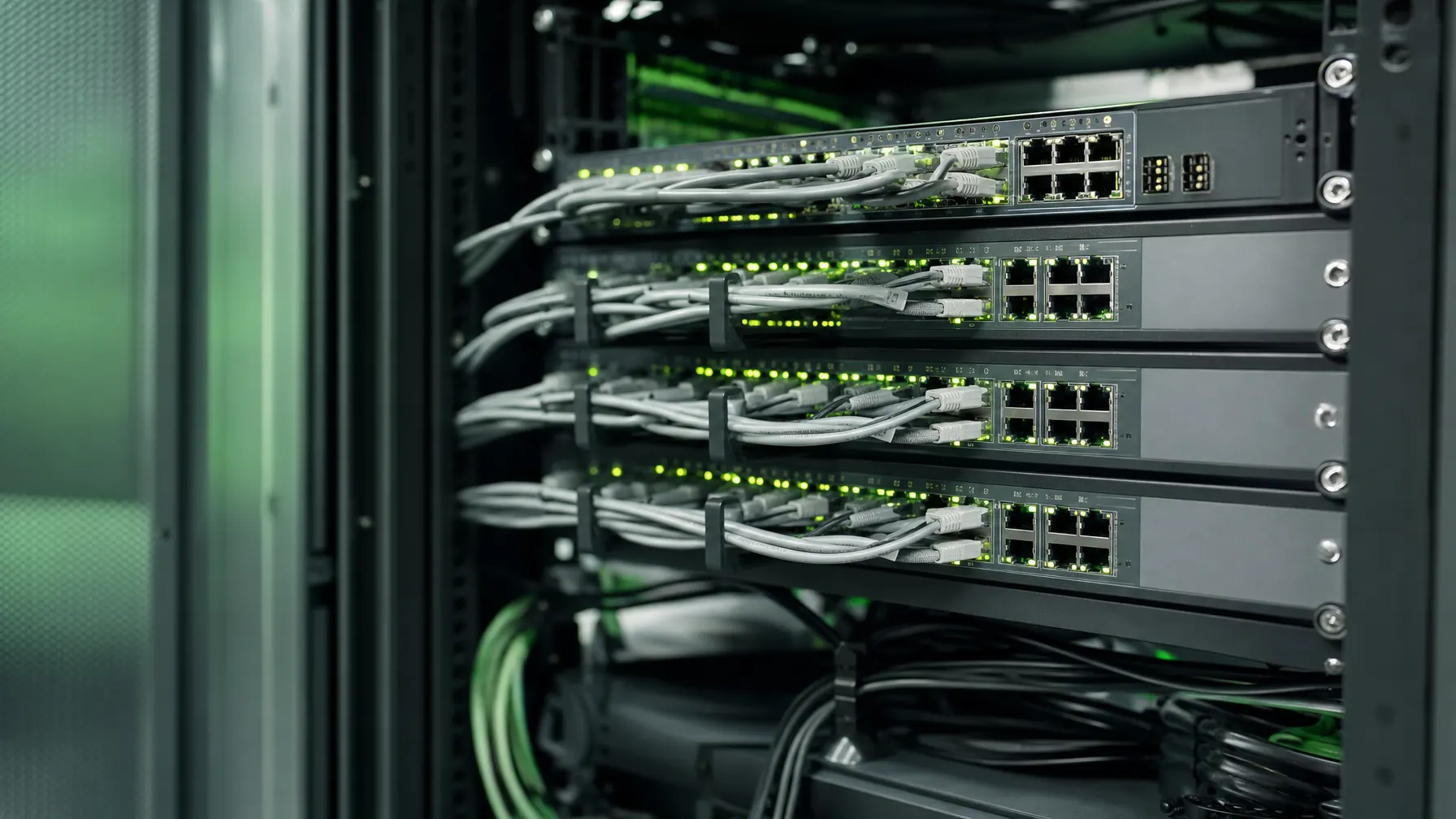
Nobody notices a network until it stalls. We plan switching, Wi-Fi and site links so that load, separation and fallback routes are known beforehand — and can be looked up when something goes wrong.
// Starting point
When things are slow, the line is rarely the culprit
File transfers that crawl and video calls that stutter almost always get blamed on the provider first. More often the problem sits on the way there: an uplink with no headroom left, a switch from an older generation, cabling that was never laid for the load it carries today.
History plays its part too. Networks grow through office moves, extensions and quick fixes that were meant to be temporary. Eventually a device hangs on a cable whose route nobody can trace any more, and every change turns into guesswork.
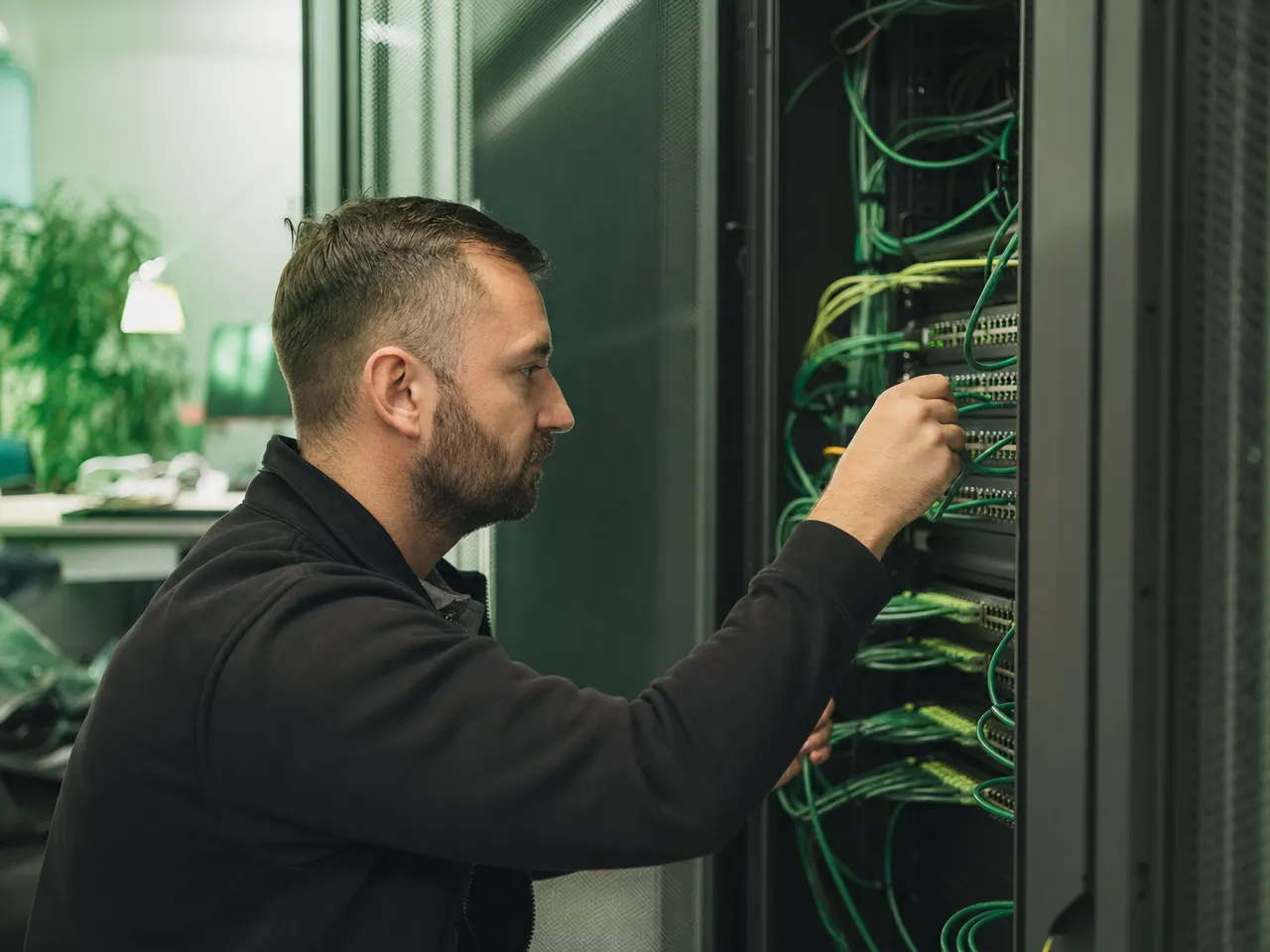
So we start with a survey rather than with equipment. Who talks to whom, which paths are already occupied, where the pinch points appear and at what time of day. Only then do decisions about switches, segments and lines make sense.
// Focus areas
Three areas that decide how the network feels
They are connected: weak radio coverage is often a cabling problem, and a shaky link between sites is often a security problem.

Business Wi-Fi
Positions and channels are planned and then verified on site, instead of spreading access points evenly across the floor plan. Walking from one room to the next must not cut off a call.
Linking locations
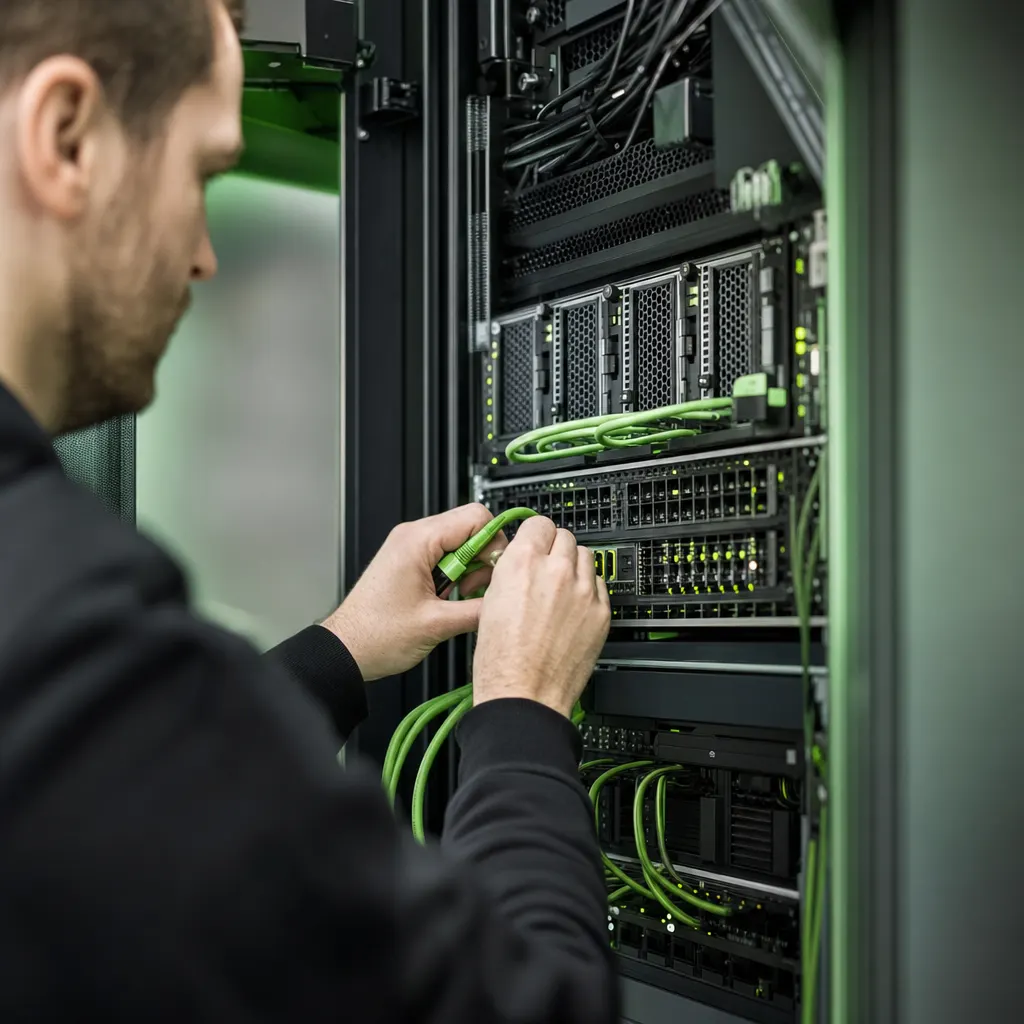
Branches, warehouses and home offices work against the same directory and the same shares. Encrypted, over defined paths, and with an answer to the question of what happens when a line goes missing.
Segmentation
Production, administration, guests and building services each get their own area with deliberate crossing points. That limits damage and shortens fault finding, because fewer devices remain suspects.
// Operations
A network seldom fails out of nowhere — it warns you first.
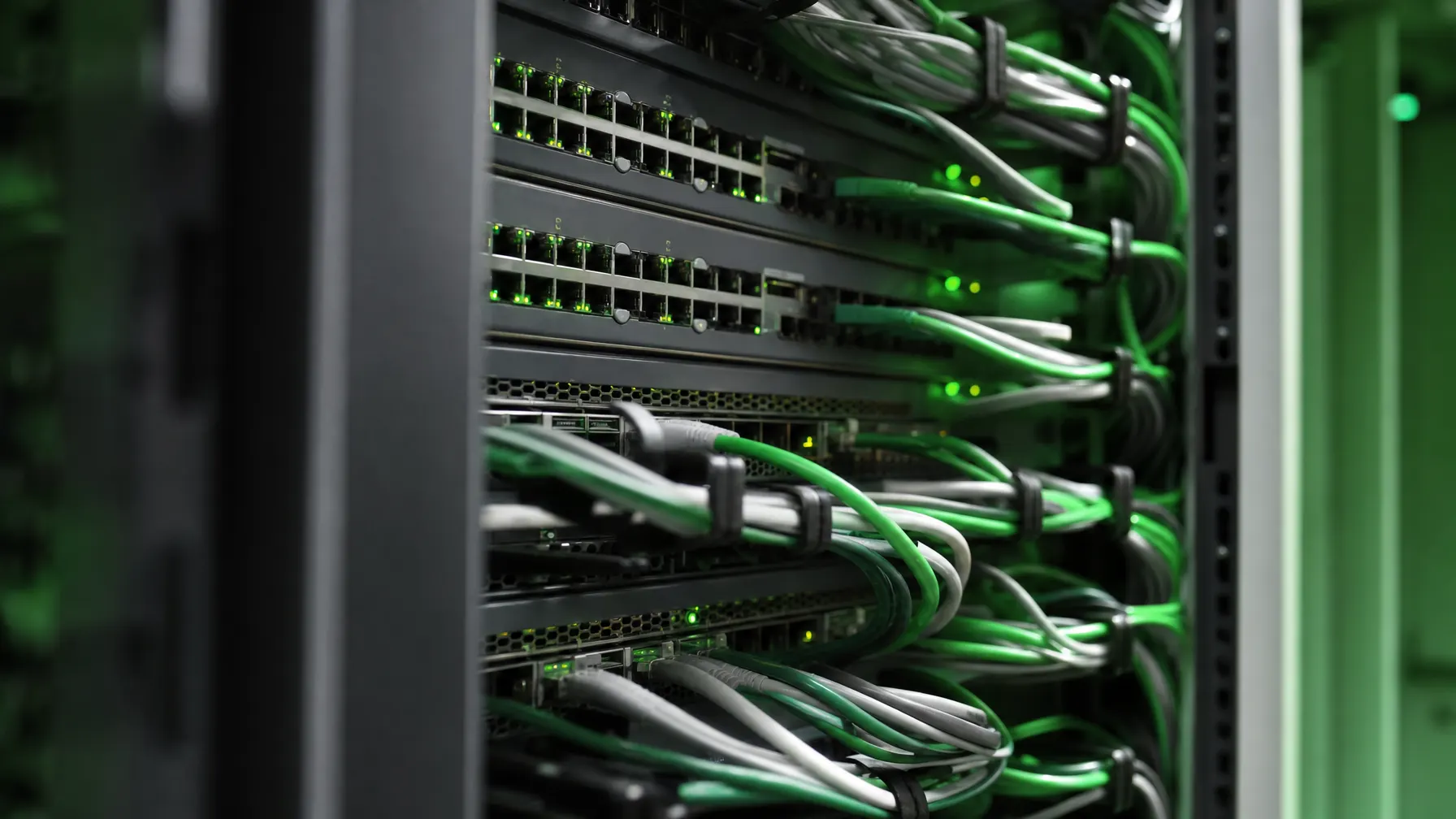
Most network faults give notice first: an error count creeping up on one port, an uplink that hits its ceiling every morning, an access point that quietly reboots at night. None of that is visible unless somebody is looking.
Managed IT ServicesEvery used port is labeled and tied to a room, so fault finding does not begin by pulling cables.
Uplinks are sized beyond what today needs, with room left for the next expansion.
Not every anomaly deserves a phone call. What wakes somebody at night is agreed in advance.
Who changed what, and when, stays on record. That removes the guessing phase during an incident.
// Two states
Grown over time, or actually planned?
Both networks behave on a good day. The difference shows the moment something is added or something breaks.
Every change is a gamble
- Nobody can say for certain which cable belongs to which outlet
- Everything shares one flat area, from the printer to the machine
- The uplink was never revisited after the move to cloud services
- Fault finding starts with trial and error because records are missing
Changes are routine work
- Outlet, patch panel port and switch are documented as one chain
- Areas are separated, crossing points opened on purpose
- Utilization is known and headroom was budgeted for
- Adding a workstation is a patching job, not a project
// Characteristics
How to recognize a network that holds up
None of this is spectacular. Together these points decide whether an incident costs minutes or a whole morning.
-
The paths are known
Network diagram and port assignments are current and kept where people look for them during an incident.
-
Areas are kept apart
Guests, building services and production do not share a network with payroll and accounting.
-
Radio is planned, not scattered
Access points sit where people work, with overlap that has been measured rather than assumed.
-
There is a second route
For site links and internet access it is settled what happens if one line drops out.
-
The state is visible
Load and error rates are watched continuously instead of being checked after the first complaint.
-
The foundation is sound
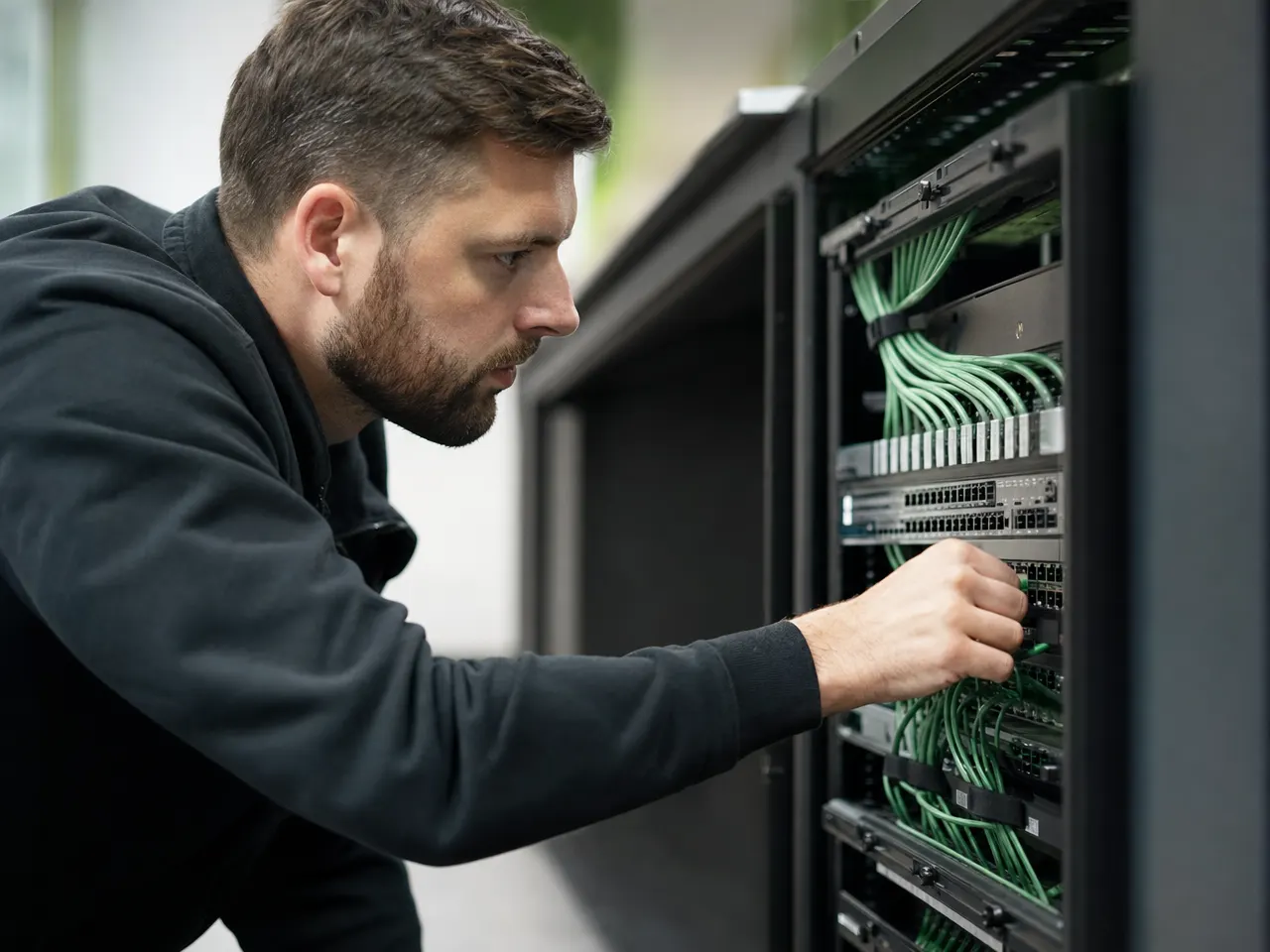
Underneath every network sits cabling. Once it has been measured, whole classes of fault disappear.
// Network questions
What companies ask us about networks and links
01 Can you connect several of our sites?
Yes. Branch offices, warehouses or a second building are linked over encrypted connections, and across short distances we can pull our own fiber run instead. The question worth settling first is which applications actually travel between the sites — the answer decides how much bandwidth you need and which fallback route is worth paying for.
02 Our Wi-Fi drops in certain rooms. Can that be measured?
It can, and measuring is usually the shortest way to an answer. We survey the coverage on site, look at channel use and at the networks next door, and check whether the trouble comes from access point positions, from their number, or from an uplink that is already saturated. Guessing rarely gets anyone far with radio.
03 What does segmentation change day to day?
It keeps apart the things that have no business talking to each other: guest devices, printers, cameras, machines and staff workstations. If one area breaks down or a single device is compromised, the damage stops at that border. Without separation every device can reach every other one, including at three in the morning.
04 Can we keep the switches we already have?
Often you can. We look at age, port count, uplink capacity and whether the units can still be managed and updated. What gets replaced is whatever slows the rest down or no longer receives firmware — not the whole cabinet at once.
05 Do you watch the network continuously?
Yes, as part of ongoing support. Switch ports, uplinks, access points and the internet connection all report their state. A rising error count or a line running flat out every morning shows up in that picture long before the first phone call arrives.
06 How much bandwidth does a company actually need?
There is no general figure. It follows from how much runs in the cloud, how many video calls happen at once, and how much file and backup traffic crosses the line. More important than a large number in the contract is usually a connection that is symmetrical enough — and a second route for the day the first one fails.
Related pages
All IT services
Is the network really the problem, or only the suspect?
We measure where it hurts: cabling, switching, radio coverage or the connection itself. Afterwards you know which investment actually changes something.