

// IT Infrastructure · from Monheim for Düsseldorf & Rhine-Ruhr
IT infrastructure for companies
Cabling, network, servers and workstations are not four separate purchases. They are one system. We plan that system, build it and keep it in a state somebody can describe.
// Why the foundation matters
Most faults are infrastructure faults
When an application stutters, the cause is rarely in the application. An overloaded switch uplink, storage running at its limit, a network socket that has been patched to the wrong floor since the office move: the symptom appears at the top, the cause sits at the bottom.
Over the years that produces a landscape nobody knows in full. A server stays powered because some service runs on it that nobody has identified. A firewall rule stays open because it is unclear who needs it. From then on, every change carries risk.
We put the layers back into an order: what stands where, what depends on what, what exists twice and what exists only once. Only after that is it worth talking about new hardware or new services.
// Areas
Six layers that have to fit together
Each area has its own requirements — and trouble almost always starts where two of them meet.

Servers & Virtualisation
Sizing based on real load rather than a data sheet, several ageing systems consolidated onto a few hosts, and storage that still has headroom in two years.
See servers & storage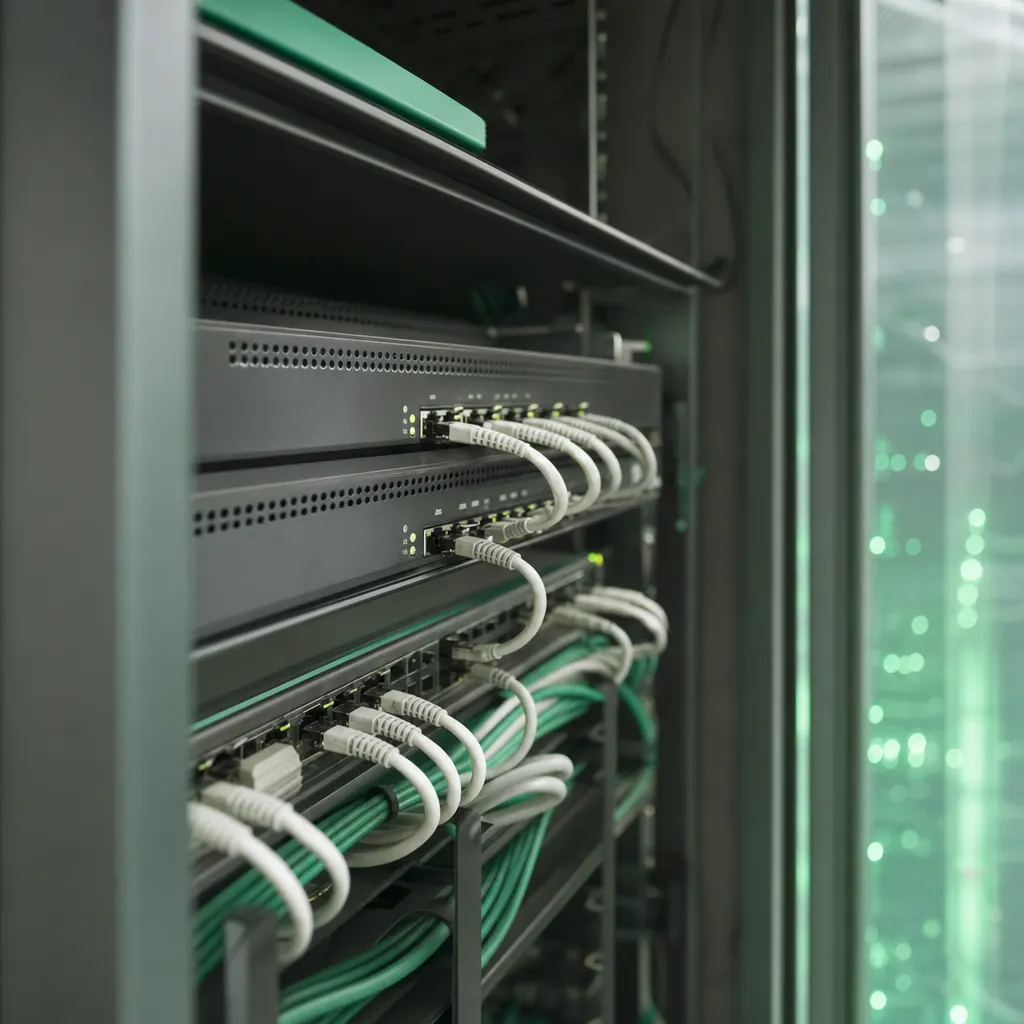
Network & Cabling
Switching, segmentation and cabling that we lay and measure with our own crew.
Backup & Recovery
Backups belong to the infrastructure, not to a side project — including a restore that has actually been carried out.

Workstations & Clients
Devices set up to one standard, permissions that are clear, replacement you can plan.
Cloud Connection
Local systems and cloud services under one directory of users instead of two separate worlds.

Condition & Maintenance
Monitoring, updates and spare-part planning — so ageing becomes visible before it becomes disruptive.

// Boundaries
A system is only as good as its handover points.
Between cabling, network, servers and cloud there are handover points. Where different companies own each side of them, every fault costs a round of phone calls first. We keep those points in one pair of hands — and document them so other people can work with them too.
How we workEvery network socket maps to a patch panel port and a switch — written down, not remembered.
Which service runs on which machine, and what stops working when that machine is gone.
One identity, one permission model — instead of two user lists drifting apart.
Whoever built it carries on looking after it. The documentation does not disappear into a drawer.
// Process
From today’s state to an environment that holds
Four stages that build on each other. Skipping one only makes the next one more expensive.
Capture what exists
Devices, age, licences, contracts and dependencies go onto one list — including the things only one person currently knows.
Target picture and order
What stays, what gets replaced, what disappears without replacement. Plus a sequence that removes risk early and spreads spending across years.
Deliver and hand over
Construction in planned windows, with a way back at every step. At the end the network diagram, port assignments and accounts are documented and ready.
Watch the condition
Monitoring, maintenance windows and a regular look at load and the age of components. That is what next year’s plan is built from.
// Where you stand
Six questions that reveal the condition
If you hesitate on more than two of them, a survey is worth doing — regardless of whether anybody sells you something at the end.
-
Is there a current network diagram?
Not the sketch from back then, but a version that shows how it is wired today.
-
Do you know how old your servers are?
Age and warranty status decide how quickly a replacement can be in the rack.
-
Has a restore ever been tested?
A backup that has never been restored is an assumption, not a backup.
-
Who holds administrative accounts?
Former providers and people who have left the company belong on that list too.
-
Is everything on one flat network?
Printers, tills, machines and guests sharing one segment is an avoidable risk.
-
Do you notice outages before the monitoring does?
If your staff report faster than your tooling, visibility is missing.

// Questions about infrastructure
What companies settle before a rebuild
01 What counts as IT infrastructure in your definition?
Everything underneath the applications: cabling, network, servers and storage, virtualisation, backup, workstations and the link to cloud services. The line-of-business application itself is not part of it — but the environment it has to run in certainly is.
02 Can you modernise an environment that grew over the years, or does it all have to go?
Usually a good part of it stays. We look at what still carries load, what has to be replaced within a foreseeable period, and where one single device is holding back everything around it. The outcome is a sequence, not a clean sweep.
03 Local servers or cloud?
That depends on your applications, the amount of data involved and how well your site is connected. It is often a mix: applications that need short response times stay local, collaboration and mailboxes move up. What matters is that both sides share one directory of users.
04 How do you keep the business running during the rebuild?
Rebuilds are planned in stages and placed in windows that suit your trade — server room work rather at a weekend, workstations department by department. Before each step we agree the way back: what happens if it does not go as intended.
05 Do you also run the environment afterwards?
Yes, and that is the normal case. Whoever built an environment knows its quirks. Operation, monitoring and maintenance then continue under a managed agreement, using the same documentation that was produced during the build.
06 Do we receive documentation of the environment?
Yes. Network diagram, address ranges, rack layout, labelling and accounts are documented and handed over. Those papers are yours — not least so that changing provider never fails for reasons only we could fix.
Related
All IT services
Do you know what is standing in your server room?
We record the environment and tell you what still carries load, what falls due over the next few years, and in which order that makes sense.