
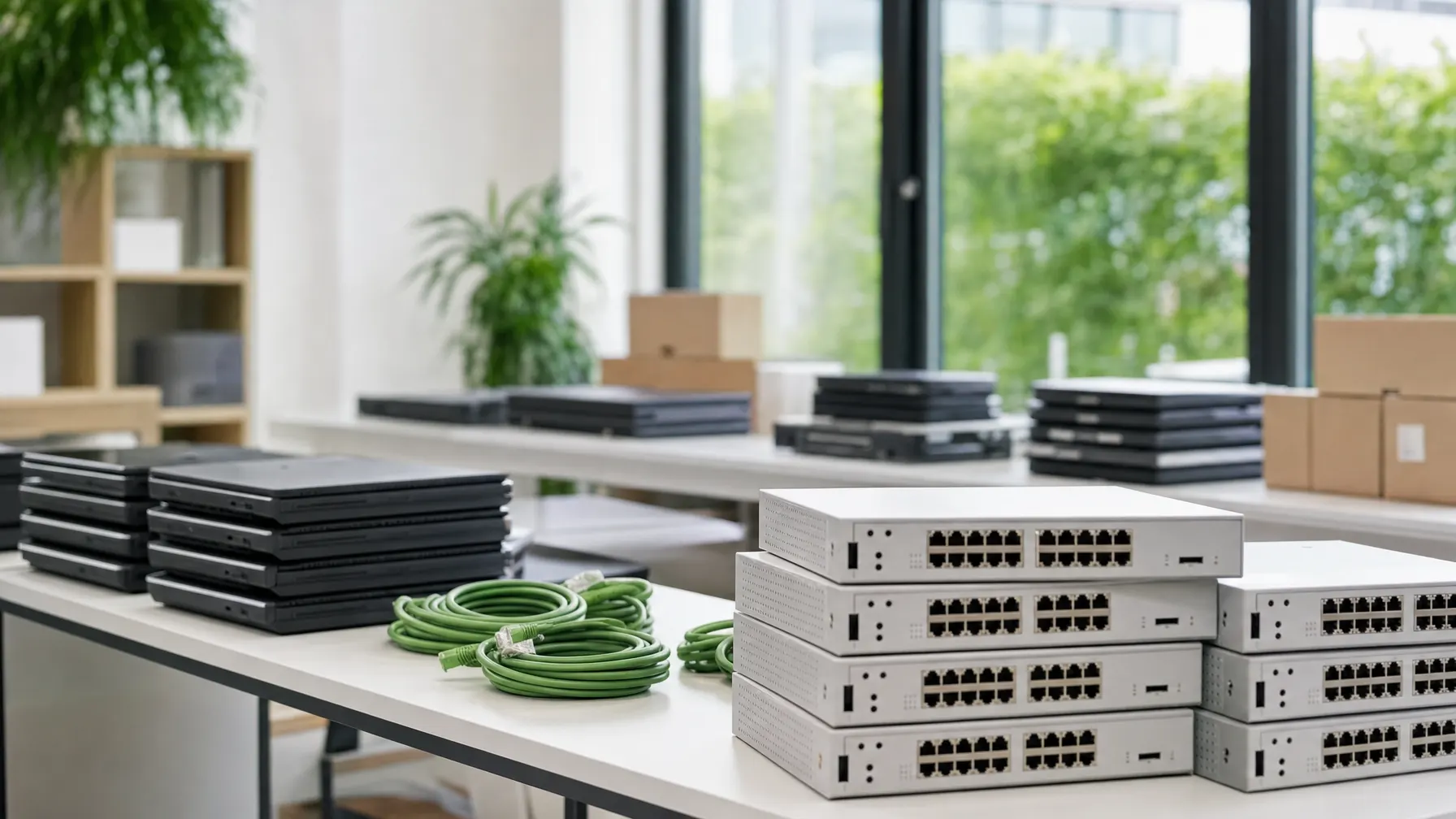
// Procurement · Hardware & Licences
IT procurement for companies
We buy hardware, software and licences on your behalf — vendor-neutral, set up ready to use, and recorded in a list that still tells you in three years what is running where.
// Why guided
Buying the thing is the smaller part of the bill
Ordering a device takes minutes. The expense arrives afterwards: in the setup, in supporting a model nobody else in the building has, in the spare part that is no longer made, and in the licence still running for somebody who left last spring.
So we treat purchasing as a process with a beginning and an end — from the question of what a person genuinely needs for their work, through to the day the device is replaced or taken back.
For you that mostly means fewer model ranges, replacements that can be sourced reliably, and an overview showing which device sits with whom and when it comes up for renewal.

// Process
From the request to a workstation that is ready
Four stages we run through on every order — including for a single laptop.
The job, not a wish list
We ask about the work, not the model number. Somebody on the road all day needs something different from a colleague calculating design data.
A proposal with reasons
You get a short list with pros and cons, matched to what is already in use at your place. Few model ranges keep support and spares simple.
Ordering and tracking
We order, follow the delivery and tell you when a date is going to slip. For larger batches we agree delivery and interim storage with you in advance.
Set up and recorded
Configured to your standard, handed to the person, entered in the asset list. The old device leaves in the same appointment so it cannot vanish into a drawer.
// Scope
What we buy for you
Three areas that belong together in daily use — and are therefore worth buying together.

Laptops, displays, accessories
Devices for the office, the road and the workshop, plus monitors, docking stations and headsets. Matched to what you already have in service.

Servers, network, storage
Equipment for the technical room bought with the existing environment in mind — including the honest question of whether extending it still pays.

Software and subscriptions
Desktop software, business applications and subscriptions, tracked with term and assignment. That is how you notice what nobody needs to pay for any more.
// Selection criteria
What we watch when buying
Five points that separate a good purchase from a cheap one.
-
It suits the work
Specification follows the task. A machine too weak for the job costs more over its life than the upgrade would have.
-
Few model ranges
The same devices for the same tasks. That simplifies setup, spare parts and tracing a fault when something goes wrong.
-
Properly recorded
Serial number, location, user, warranty status and licences in a list that gets maintained — not in an email from the year before last.
-
Secured from day one
Encryption, endpoint protection and directory enrolment are part of the setup, not of a project scheduled for later.
-
The end thought through
At the point of purchase it is already clear what happens when the device is replaced: reuse in-house, buyback, or documented disposal.

// Questions about procurement
What buyers and IT managers ask us
01 Are you tied to particular manufacturers?
No. We recommend the device that suits the job and explain why. If a model appears in a quotation mainly because it happens to be available, we say so — you should be able to decide, not guess.
02 Do you set the devices up as well?
Yes. On request, laptops and desktops arrive ready to work: your image, your software, joined to the directory, encrypted and entered in the asset list. The box gets opened and the person can start.
03 Do you keep track of licences?
Yes. We record which licences are running, which device or person they belong to and when they renew. Anyone who fails to adjust after staff changes either pays for unused seats or looks poor in an audit.
04 Do you also buy second-hand equipment?
Where it makes sense, yes. For monitors, docking stations or spare machines, reconditioned business equipment is often the more sensible choice. The arguments for and against are on our refurbished IT page.
05 What happens to the old devices?
We take them away in the same visit if you want. They are valued, the drives are wiped and the process is documented. The details are covered under IT hardware buyback.
06 Is this worthwhile for a smaller company?
Especially there. In small firms the buying is usually done by whoever has a spare hour, which is how eight desks end up running six different model ranges. A coordinated selection makes spares, support and setup dramatically simpler.
The cycle
All IT services
Do you know how many model ranges are in service at your company?
If the answer is a shrug, that is exactly where we start: record what exists, agree the successors, make the next purchase a quieter one.