

// Business Wi-Fi · for Düsseldorf & Rhine-Ruhr
Business Wi-Fi for companies
Radio cannot be guessed. We plan coverage on the floor plan, verify it on site and hand over a network that also holds while you walk through the building.
// Starting point
More access points often make it worse
The usual reflex against poor reception is another box on the ceiling. In practice that often produces the opposite: the access points talk over each other, client devices keep jumping back and forth, and the airtime that exists gets divided between more transmitters.
Radio has a fixed amount of airtime. How much of it reaches the devices depends on positions, channels, transmit power and how far the cells overlap. All four can be planned — and all four can be measured.
So we begin with the floor plan and with what really happens in the rooms: where calls are made, where scanners run, where many devices sit close together. Out of that comes a layout we verify on site instead of hoping for.

// Causes
What poor Wi-Fi usually comes down to
Six patterns we keep finding during surveys. Almost never is the box on the ceiling simply too weak.
-
Access points spread by drawing
Even spacing looks tidy on a plan, but it misses the places where people actually work.
-
Channels sitting on top of each other
Your own units and the neighbors share channels and therefore share airtime — with pauses you can feel.
-
Handover does not happen
Devices stay attached to the old access point for too long. Walk through the building and the call drops.
-
Too much on the lower band
The narrow 2.4 GHz band fills up quickly. Without steering, devices that do not need it end up there too.
-
The uplink is the bottleneck
An access point on an old cable or behind a saturated uplink stays slow, however new it is.
-
Everything shares one network
Guests, cameras and work devices share a single area — that costs performance and creates exposure.
// Environments
Three environments, three radio pictures
The same equipment behaves completely differently in an office, a hall and a reception area — which is why planning happens per area.
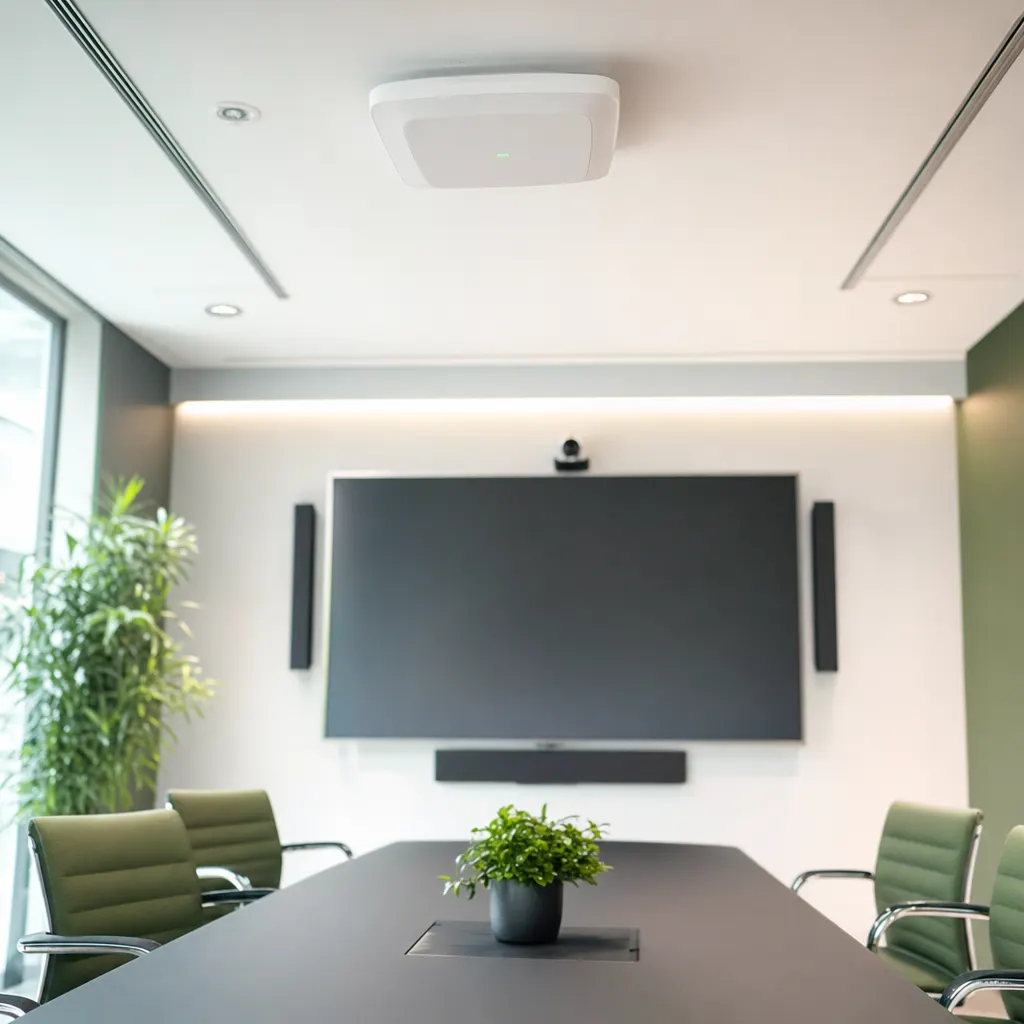
Desks and meeting rooms
Many devices on a small footprint, plus video calls that tolerate no gaps. Small cells with a clean handover matter more here than a few powerful transmitters.
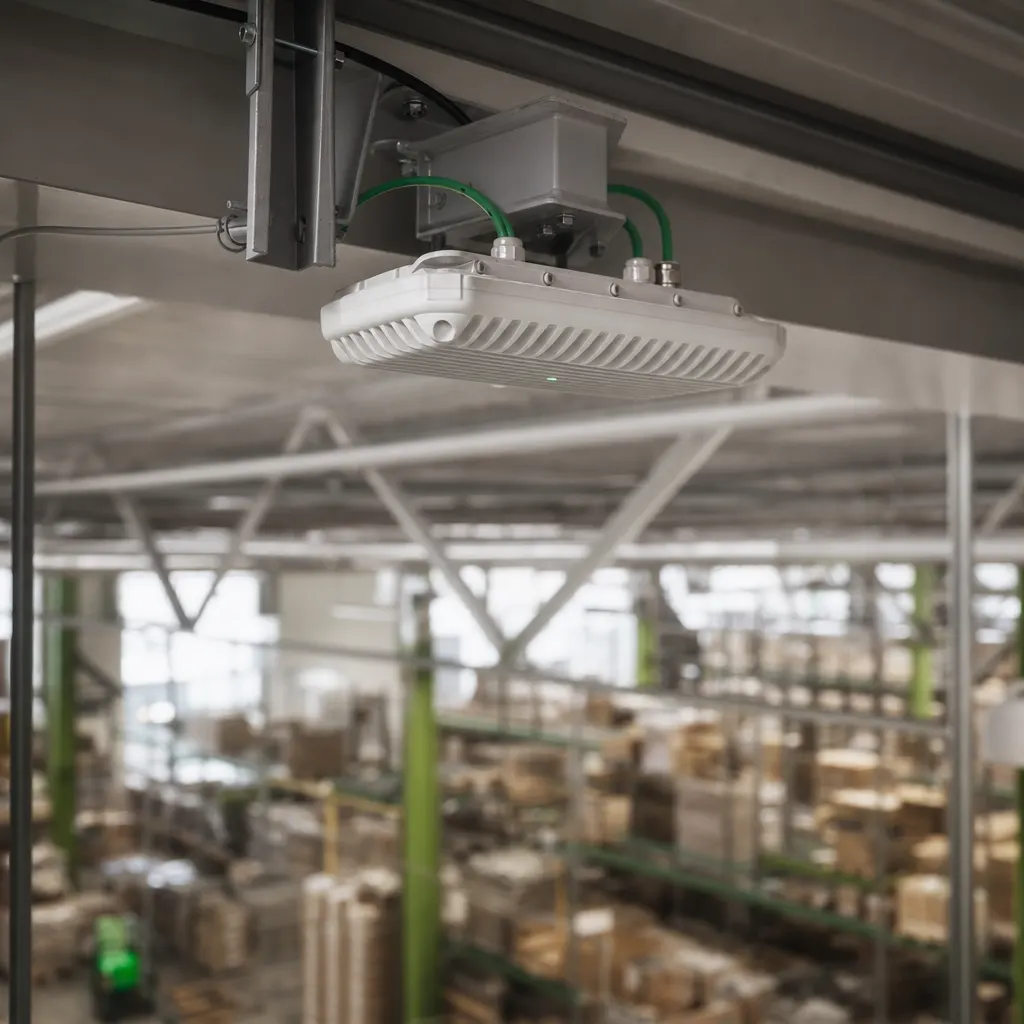
Warehouse and production
Tall racking, metal and moving vehicles. Scanners and terminals have to stay connected while driving, and that is decided by antenna choice and by where the cells meet.

Reception and visitors
Visitors, contractors and personal devices need internet, not a view of the company network. A separate area with clear borders solves that without anyone passing a password around.
// How it runs
From first planning to the acceptance survey
Four steps. The last one is the one many projects skip — and it decides whether the network carries the working day.
Floor plan and usage
We go through the areas: where work happens, how many devices gather in one spot, which applications must not break off. That produces first positions and the number of access points needed.
Check the real conditions
Building materials, ceiling heights, existing cabling and the radio environment of the neighbors are recorded. Positions often move at this point — concrete and metal do not follow drawings.
Mount and connect
Access points are mounted, powered over the data cable and configured: channels, transmit power, networks and the split between guest and company areas.
Measure the coverage again
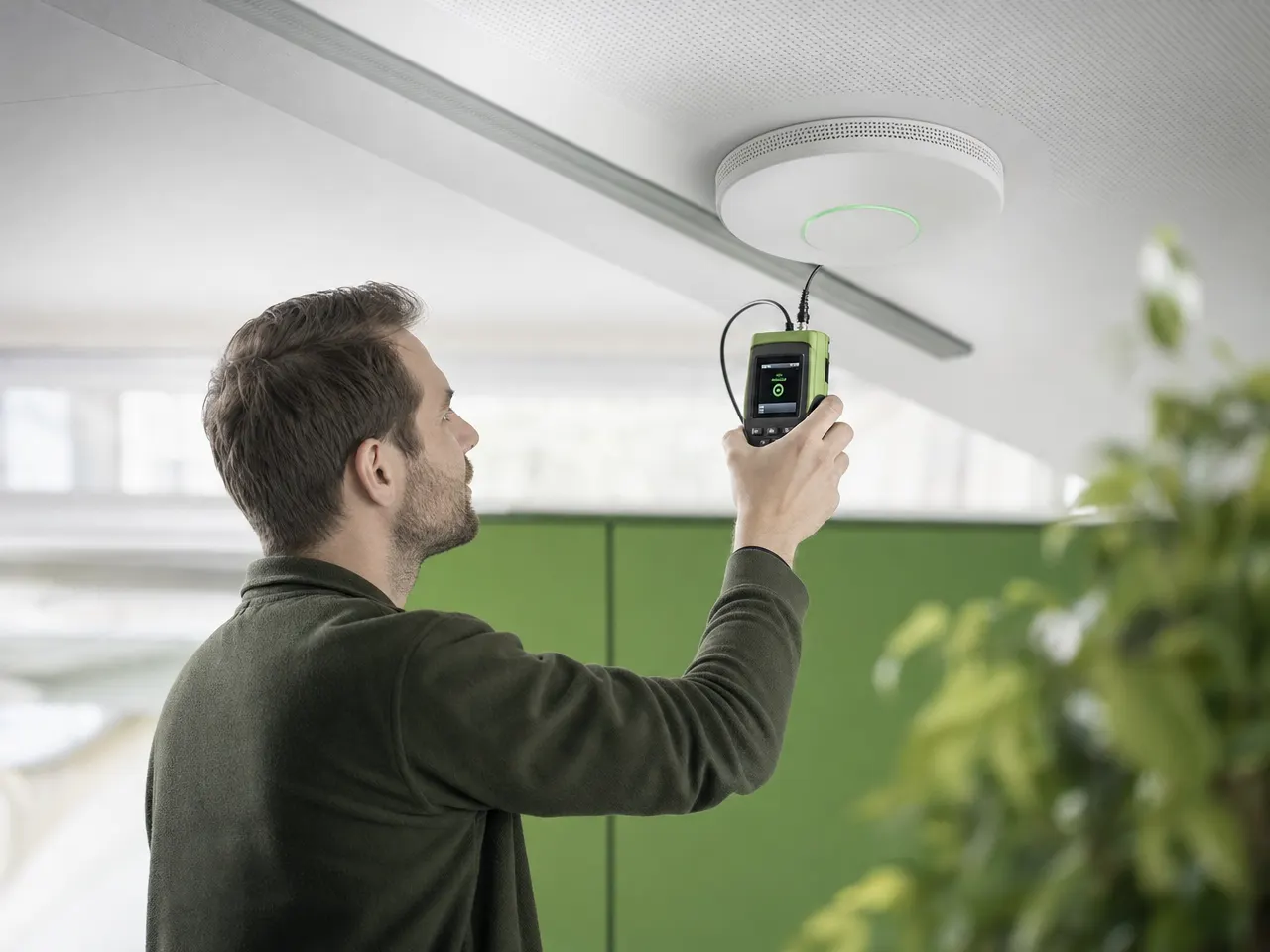
Finally the coverage that exists is measured and documented, including the handover points while walking. Weak spots are corrected before the network goes live.
// Questions on company Wi-Fi
Coverage, handover and guest access
01 Why does the connection drop in some rooms?
Usually it is not range but the handover: a device clings to the old access point because the next one is too weak or configured too similarly. Add concrete or metal walls, lift shafts and neighboring networks sharing the same channels. A survey shows within a few hours which of those applies.
02 Would a few repeaters or a mesh kit not do?
In a business setting, rarely. Every repeater halves the airtime available, because it has to send everything twice. Where many devices work at once, a cabled access point is almost always the cheaper answer — even when a cable has to be pulled to reach it.
03 Do you measure before or after installation?
Both. Beforehand we plan positions on the floor plan and check the conditions on site; afterwards we measure the coverage that actually exists. Only the second survey shows whether the assumptions held, because building materials, racking and furniture rarely behave the way a drawing suggests.
04 Does every access point need its own network cable?
Yes, that is the normal case. It draws power over the same data cable, so no ceiling socket is needed. Where the cable is missing, pulling it is part of the project — we install and test it in the same visit.
05 Can guest access be kept apart from the company network?
Yes. Visitors land in their own area that leads to the internet and sees neither servers nor printers. The same separation makes sense for devices nobody maintains: cameras, building services or machines with their own radio module.
06 Does Wi-Fi work in a hall with tall metal racking?
It does, but not with office equipment on the ceiling. In warehouses we work with directional antennas along the aisles and plan the handover points so that scanners and forklift terminals keep their session while moving. Once the racks are filled we measure again, because stock changes the radio picture noticeably.
Related pages

Complaints about Wi-Fi — or measurements?
We come by, survey the coverage and tell you whether positions, channels, the uplink or the devices themselves are the problem.