
// Connect · consolidation
Virtualization for servers and applications
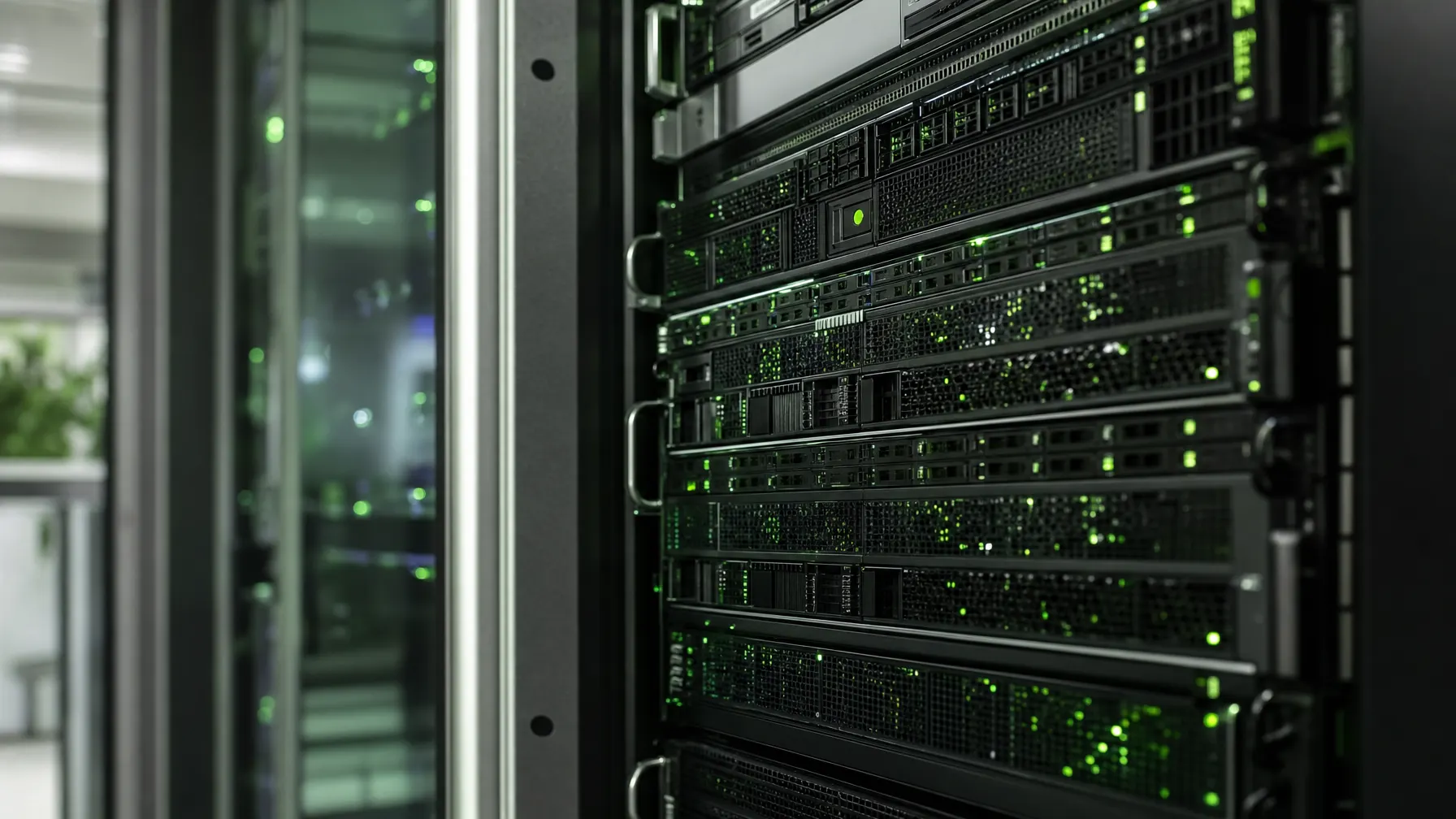
Fewer machines carrying more: we bring together servers that grew one by one, allocate resources you can account for and turn restarting into routine.
// Before / after
One server per task — or a cluster that distributes tasks
Most environments we take over look like the left-hand column. What is interesting is less the saving than what suddenly becomes possible on the right.
One machine per application
Over the years a box arrived for every new task, each with its own support contract and its own end of life.
- Many servers that are rarely well used
- Every failure hits exactly one application hard
- Updates without a way back — there is no copy
- Testing means trying it on the live system
Few hosts, many systems
Workloads sit as self-contained systems on shared hardware and can be moved, copied and rolled back.
- Resources are allocated rather than built in
- Maintenance on a host without everything stopping
- A state to jump back to before every update
- A test environment as a copy rather than a second purchase
// What we do
Consolidating does not mean pushing everything onto one machine
The most common mistake in consolidation projects is overreach: buy one large machine, put everything on it, and swap ten small failure risks for one very large one. That helps nobody.
We work differently. First we measure over several weeks what the existing systems genuinely need — not what their data sheets claim. Then we decide which workloads belong together and which stay apart for business or legal reasons.
How many hosts are needed in the end follows from the question of what still has to run when one machine drops out. That answer comes from the business, not from the technology, which is why we ask it at the start.

// Effect
What changes in day-to-day operation
Not every point matters to every company. Usually two or three of them tip the decision.
Maintenance without downtime
Workloads move to another host for the duration of the work. Updates lose their menace.
A faster restart
A saved system starts on any suitable hardware — nobody needs that exact replacement machine any more.
Resources as required
More memory for the database, less for the print service: that is a setting, not a rebuild.
Testing without risk
A copy of the live environment serves as a practice ground for updates and changes and is discarded afterwards.
Fewer boxes in the room
Less hardware means less power, less waste heat and fewer support contracts expiring one by one.
// Suitability
When the step pays off — and when it does not
We say no as well. These characteristics usually settle it.
-
Several servers are nearing end of life
If replacement is due anyway, the timing is good — consolidation then costs barely any extra effort.
-
There is nowhere to try things out
Anyone who can only test updates on the live system gains the most here.
-
The server room is at its limit
Where space, cooling or power supply are tight, consolidation buys room to breathe.
-
Old software needs old environments
Applications with no matching hardware left often carry on running once virtualized.
-
What argues against it
A single small application, very specific hardware attachments, or license terms that rule out running on shared machines.
// Questions about virtualization
What businesses want to know before consolidating
01 What does virtualization actually give us?
Instead of buying a machine for every task, several systems share a few capable servers. That cuts power, space and maintenance effort — but above all, systems can be copied, moved and started again in a short time.
02 Is it worth it with only a few servers?
Often yes, though not because of the saving. The gain is in handling: copying a system before an update, running a test environment alongside, carrying on from other hardware after a failure. For one small single application the effort rarely pays.
03 Will our applications get slower?
Sized properly, not noticeably. Trouble starts when too many systems compete for the same memory or the same drives. So we measure the real load beforehand and plan in reserve instead of filling the machine to its limit.
04 What happens if a host fails?
That is exactly the point to decide in advance. For critical systems we lay out several hosts so workloads carry on running on another machine. Where that is not required, a backup makes sure a system comes back on replacement hardware.
05 Can older business applications be virtualized?
Often yes — and for older software it is sometimes the only way to keep it running once matching hardware is no longer available. We check beforehand whether license terms and any attached equipment will go along with it.
06 Do you run it for us afterwards?
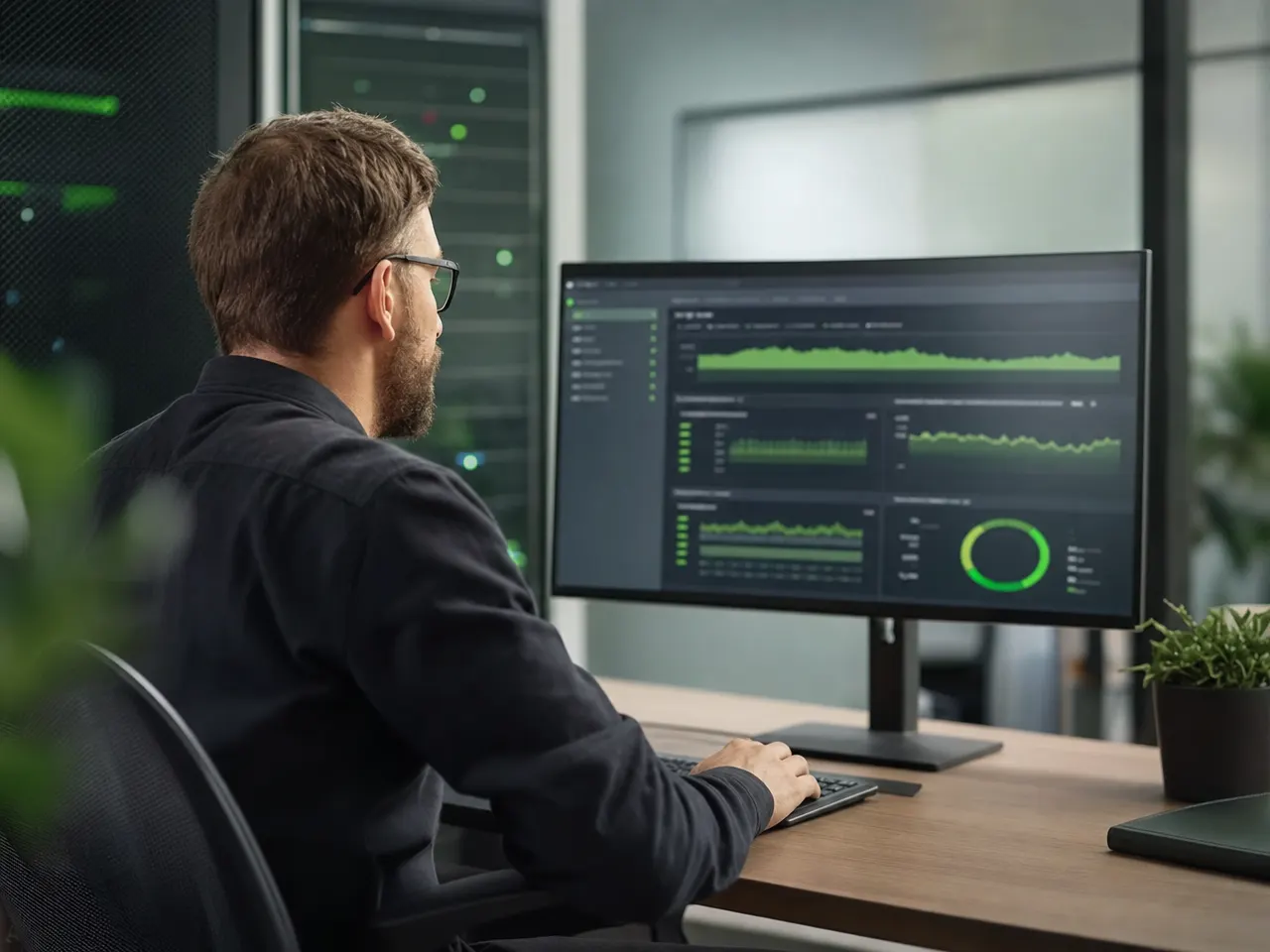
Yes. Watching utilization, maintaining the hosts, applying updates and checking the backups all carry on through our managed services, with named contacts.
Related

How many servers do you actually need?
We measure the load on your existing systems over a realistic period and show what can be brought together — and what stays apart for good reasons.